Knowledge sources give agents reference material they can search while working. Sources belong to the current workspace, so add them where they should be available.
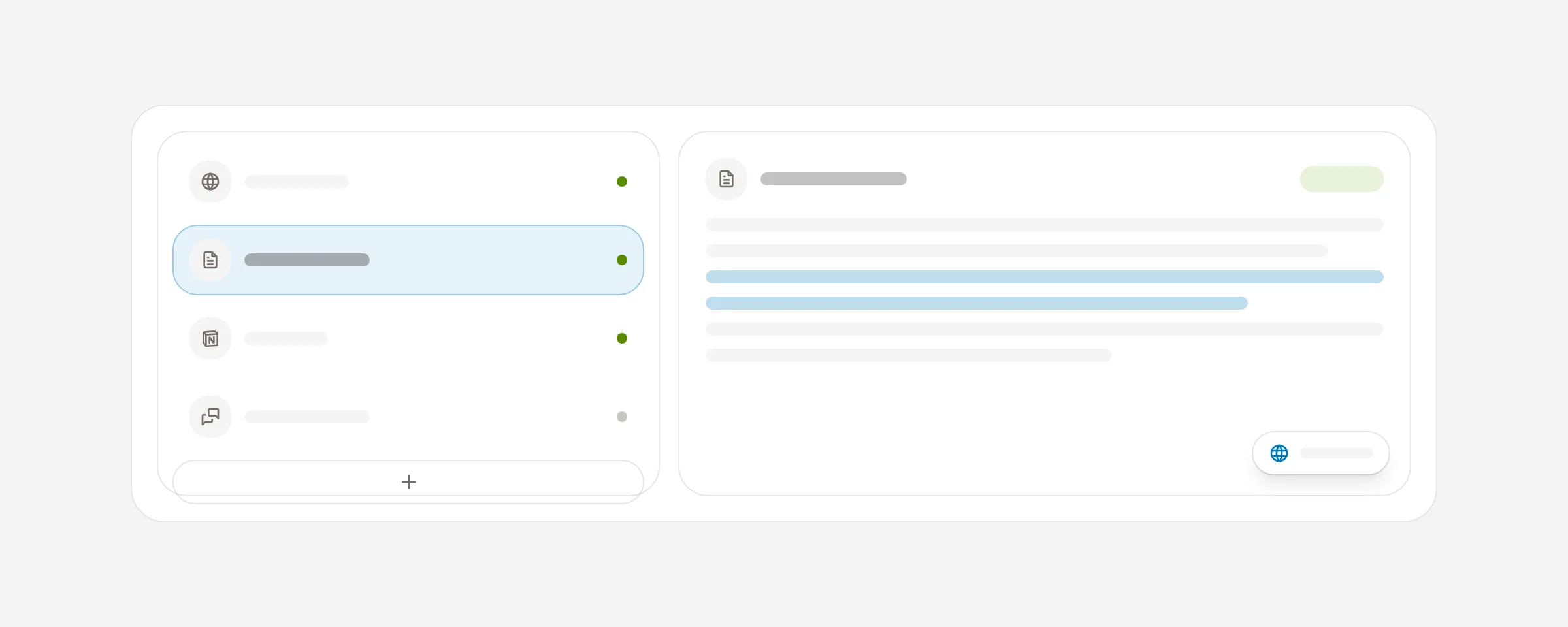
Add a source
Open Knowledge, choose Add source, then select the option that matches the material:
Single URL
Import one public web page.
Website scan
Import up to 25 pages from a site.
File upload
Upload TXT, Markdown, HTML, CSV, JSON, or PDF files.
Blank document
Write a manual note directly in AI Agent.
The upload screen checks for files larger than 10 MB before submission. A provider or file type may have additional constraints, so split unusually large documents when needed.
Import and review
Add the source
Choose its source type and provide the URL, file, or document content.
Wait for processing
Website and file imports may be queued while AI Agent prepares their contents. You can leave the page and return later; the source becomes usable when processing completes.
Review the imported material
Find the source by title or contents and confirm that the expected information was imported before attaching it to an agent.
Delete a source
Open the source, choose Delete, and confirm. Deleting removes it from the workspace knowledge library and from future agent retrieval. Review affected agents before removing material they depend on.