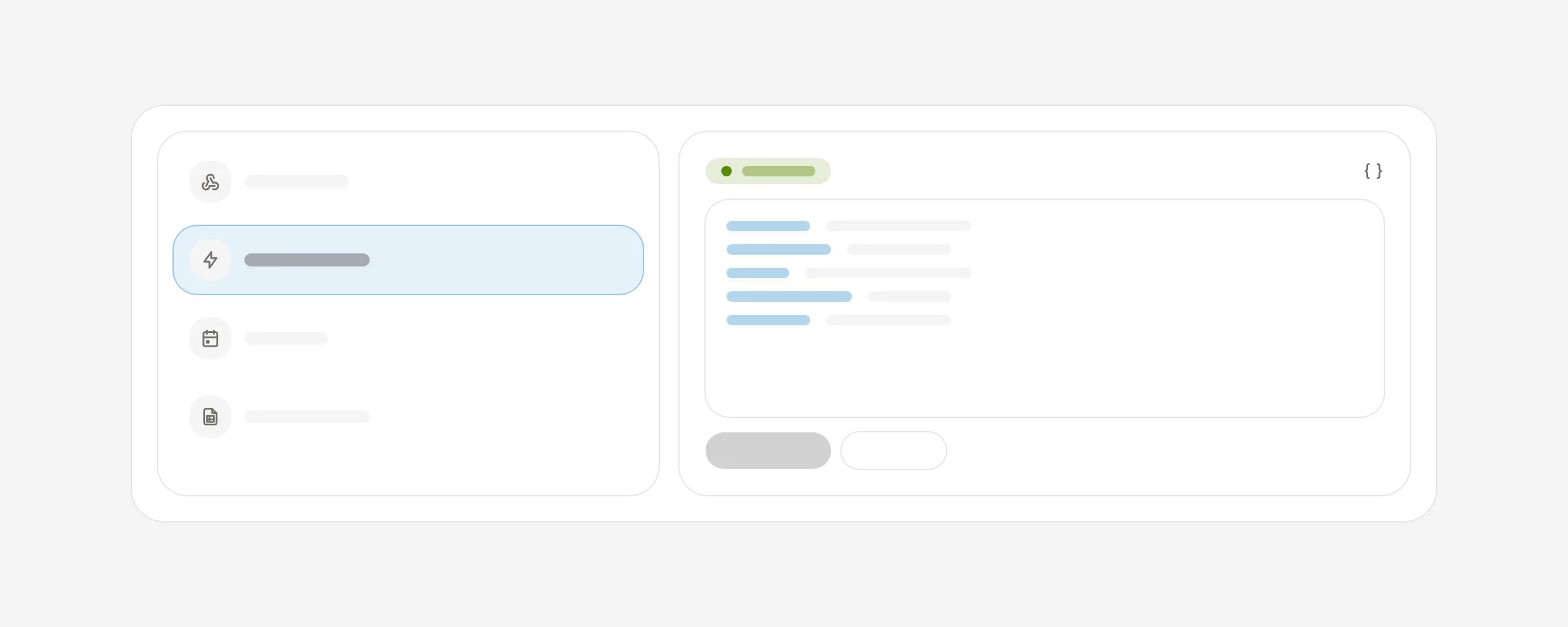
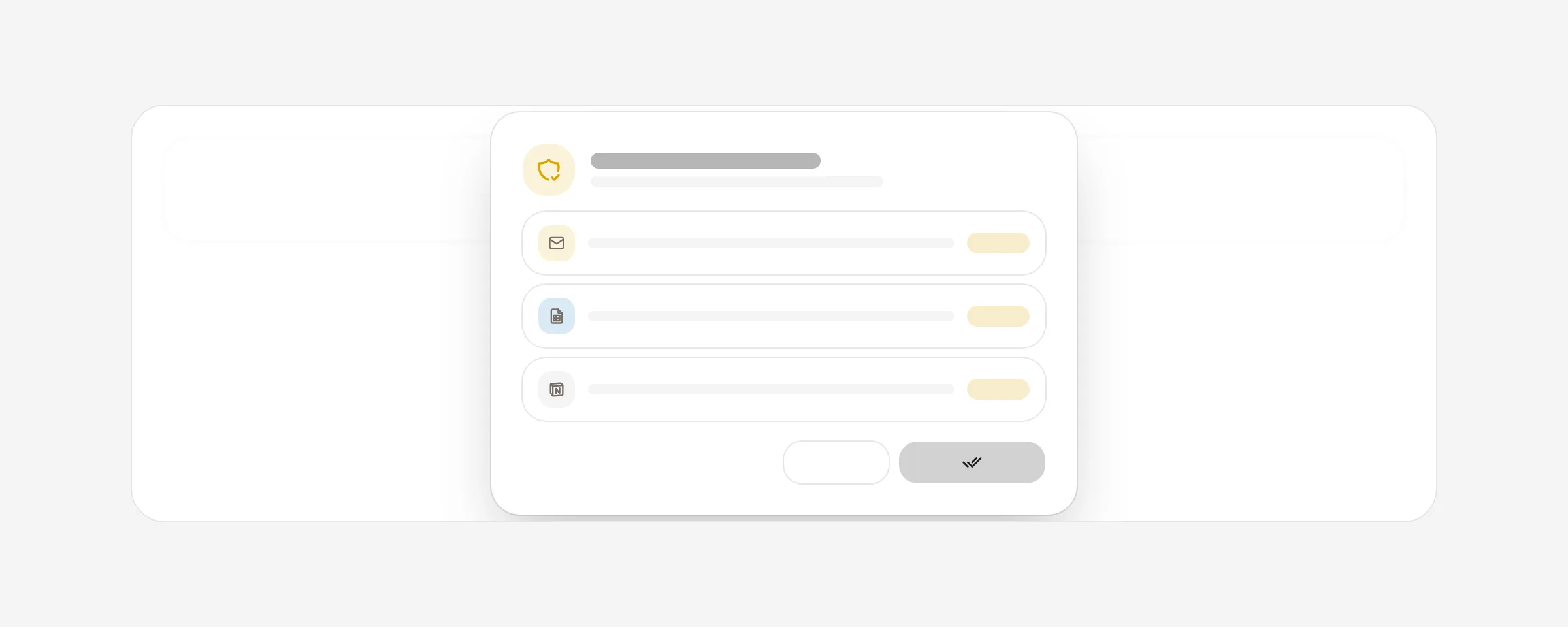
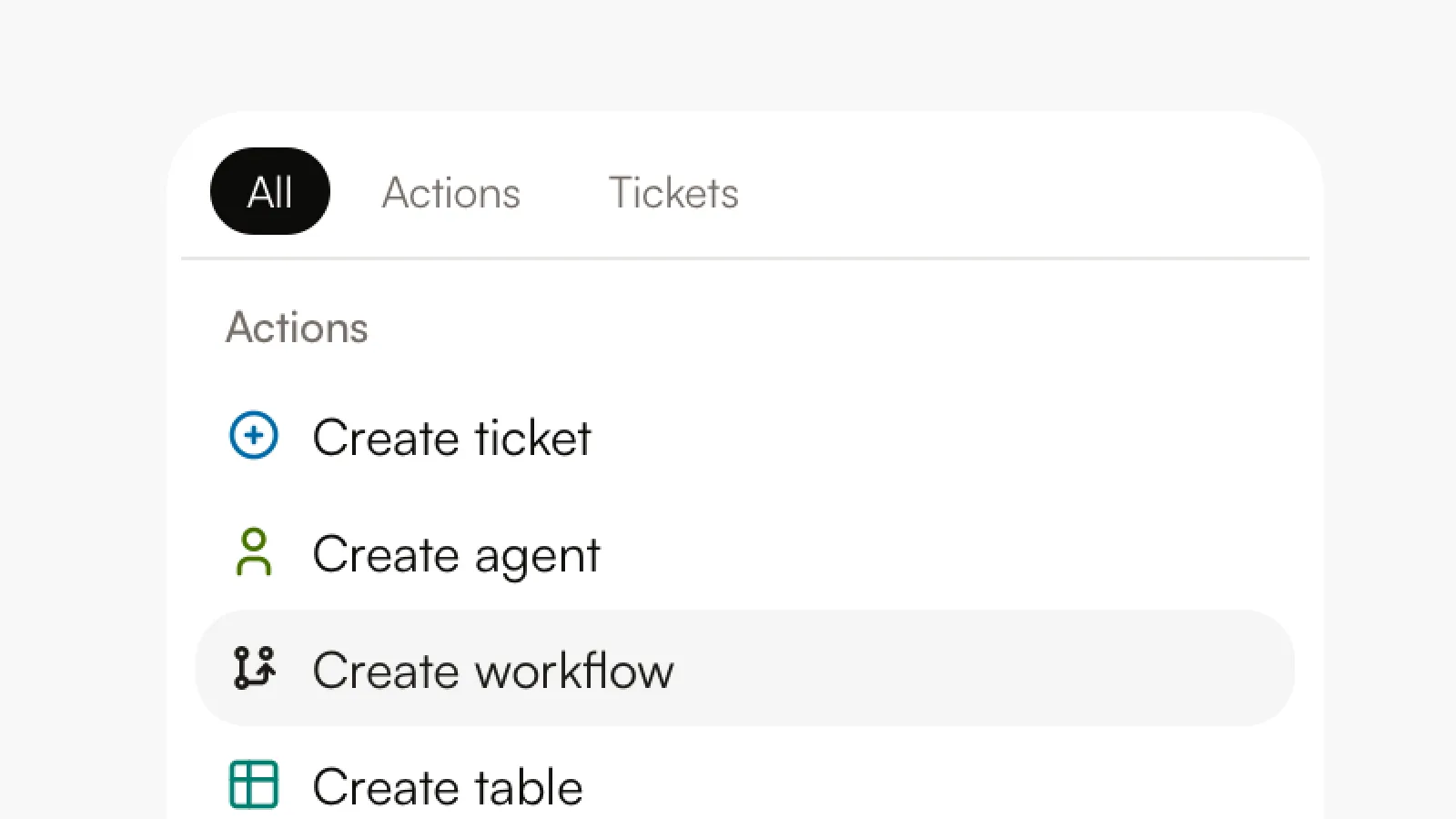
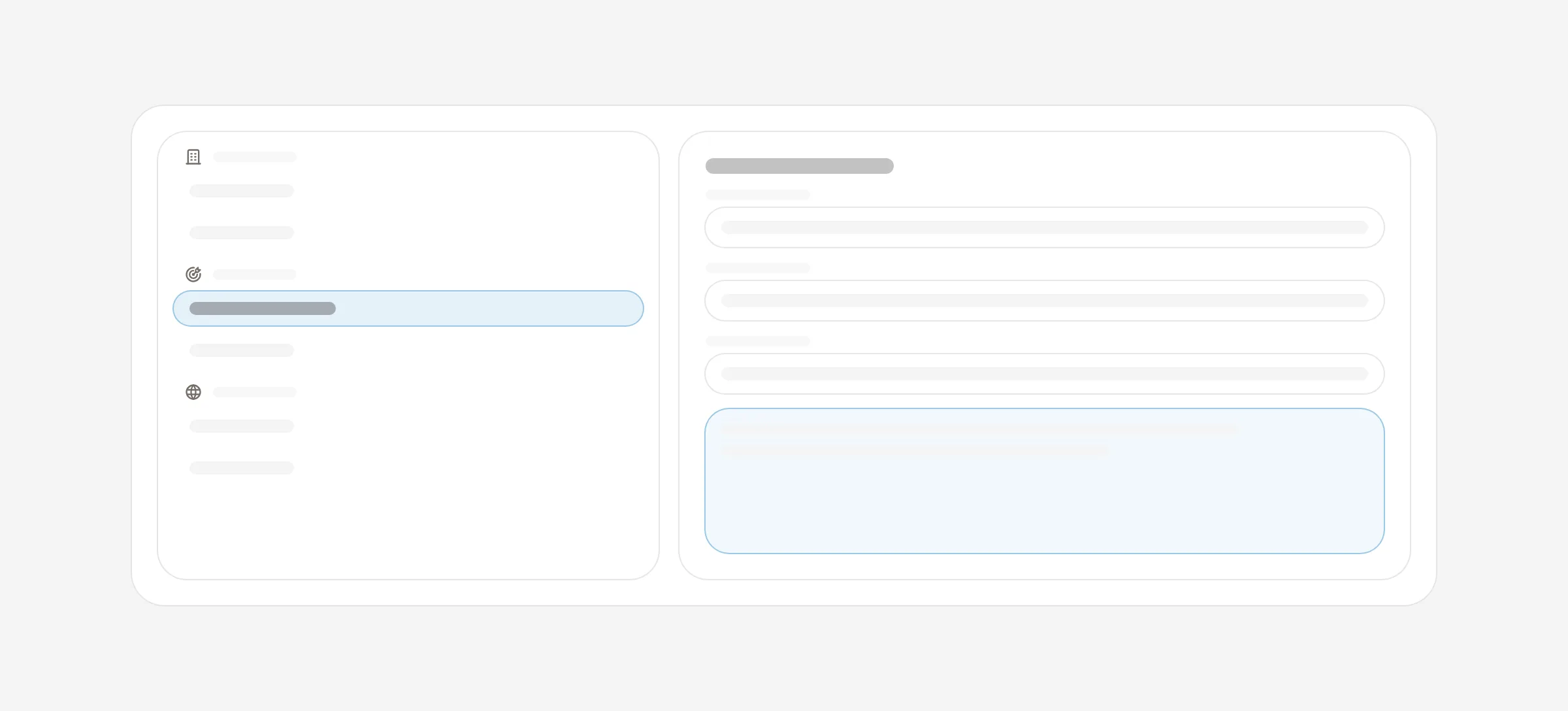
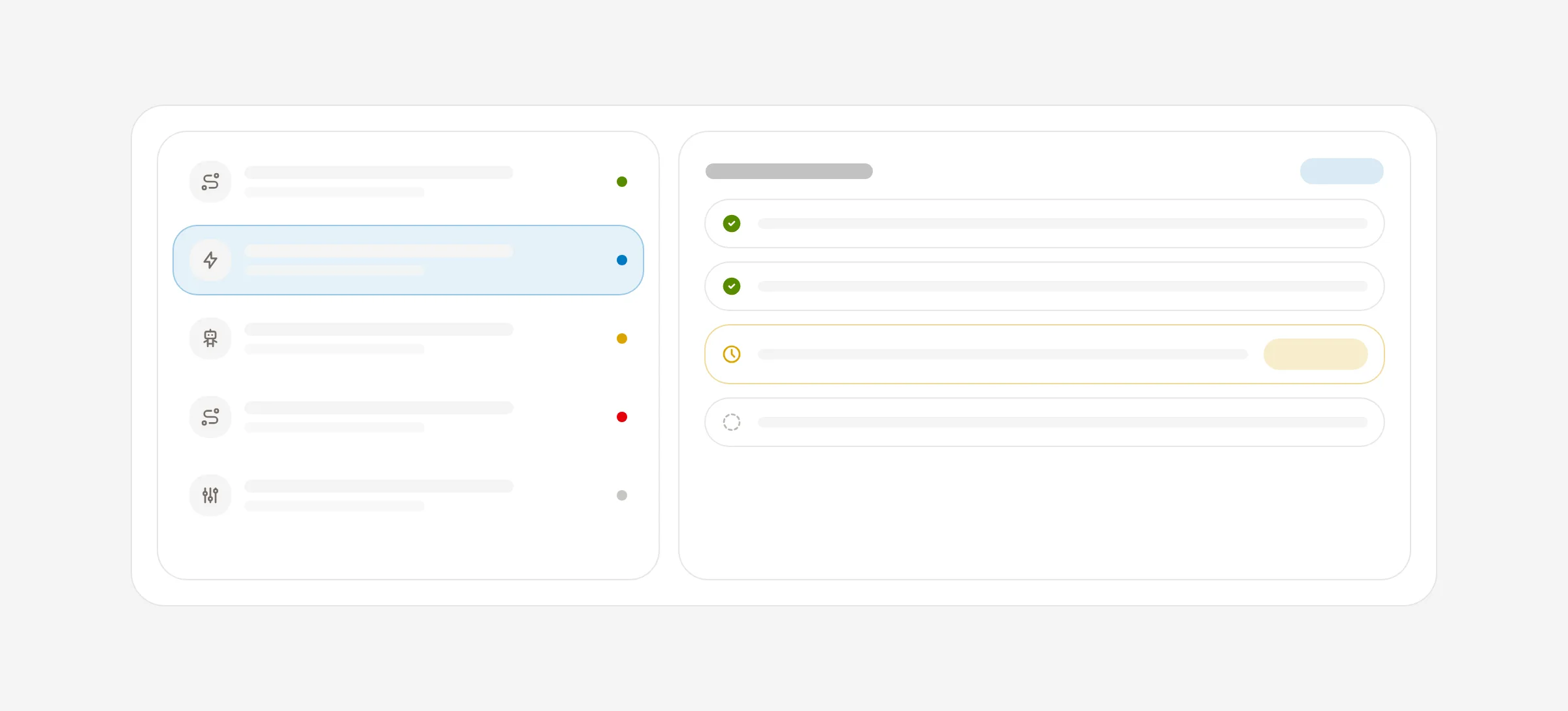
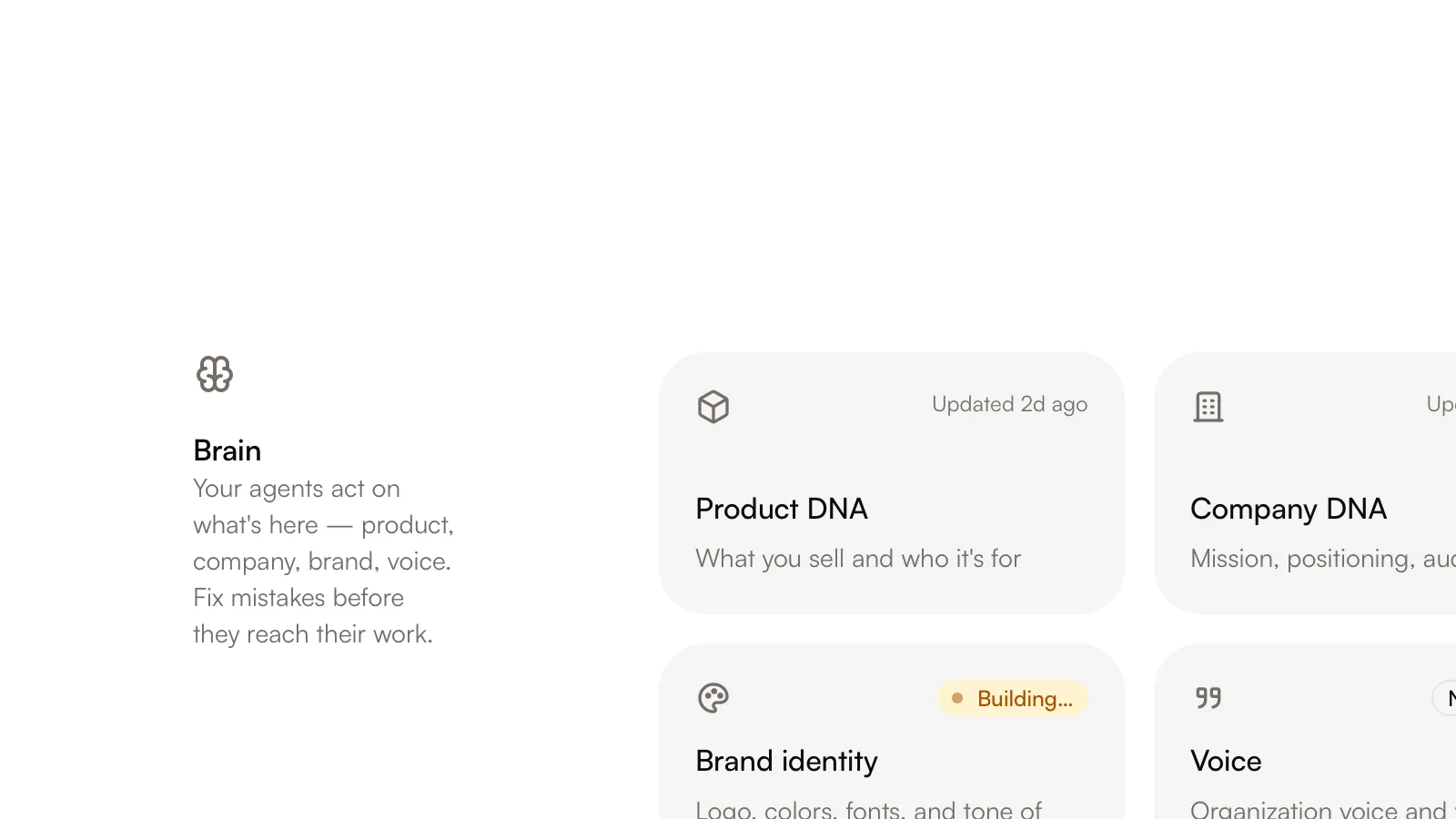
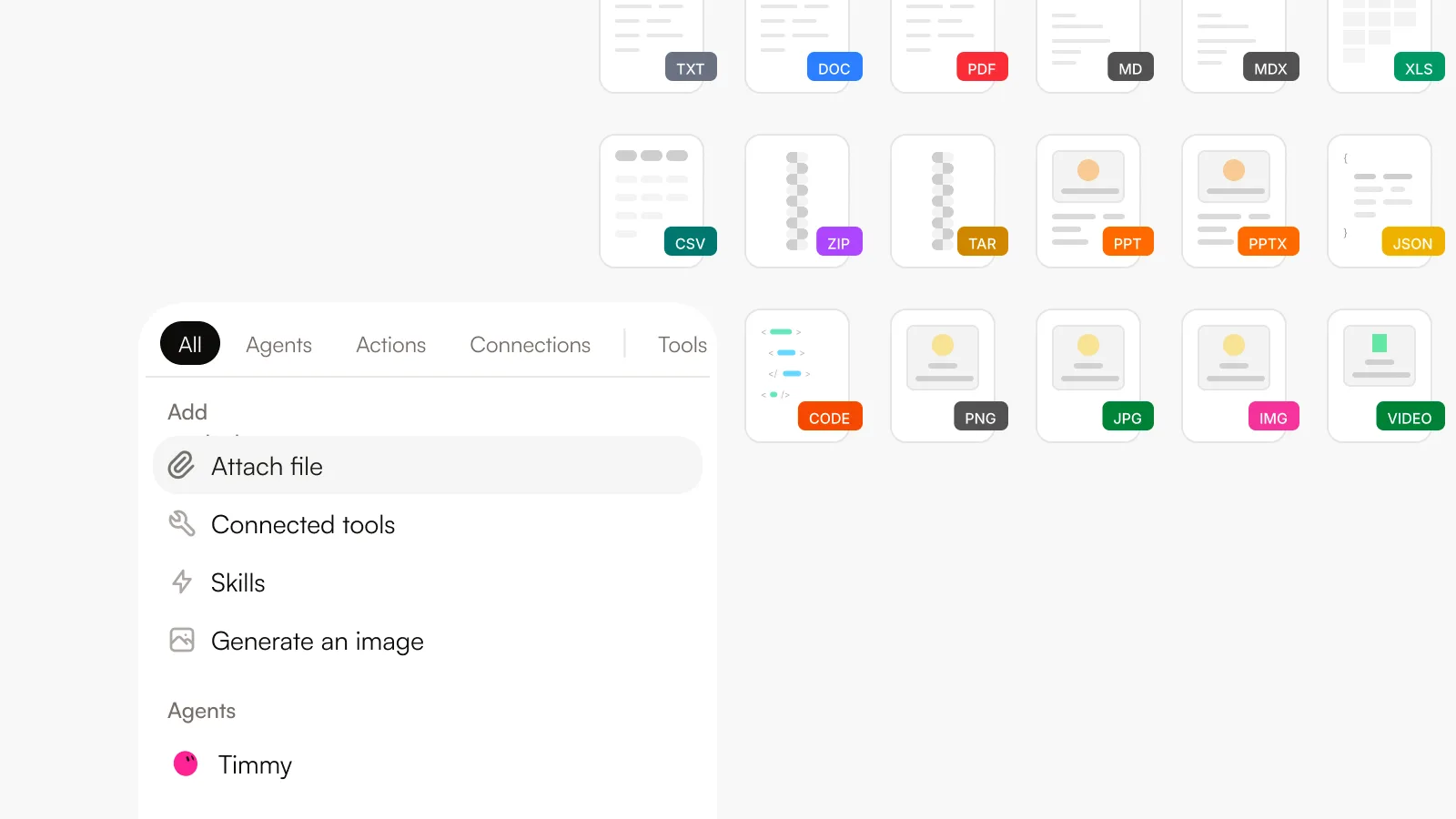
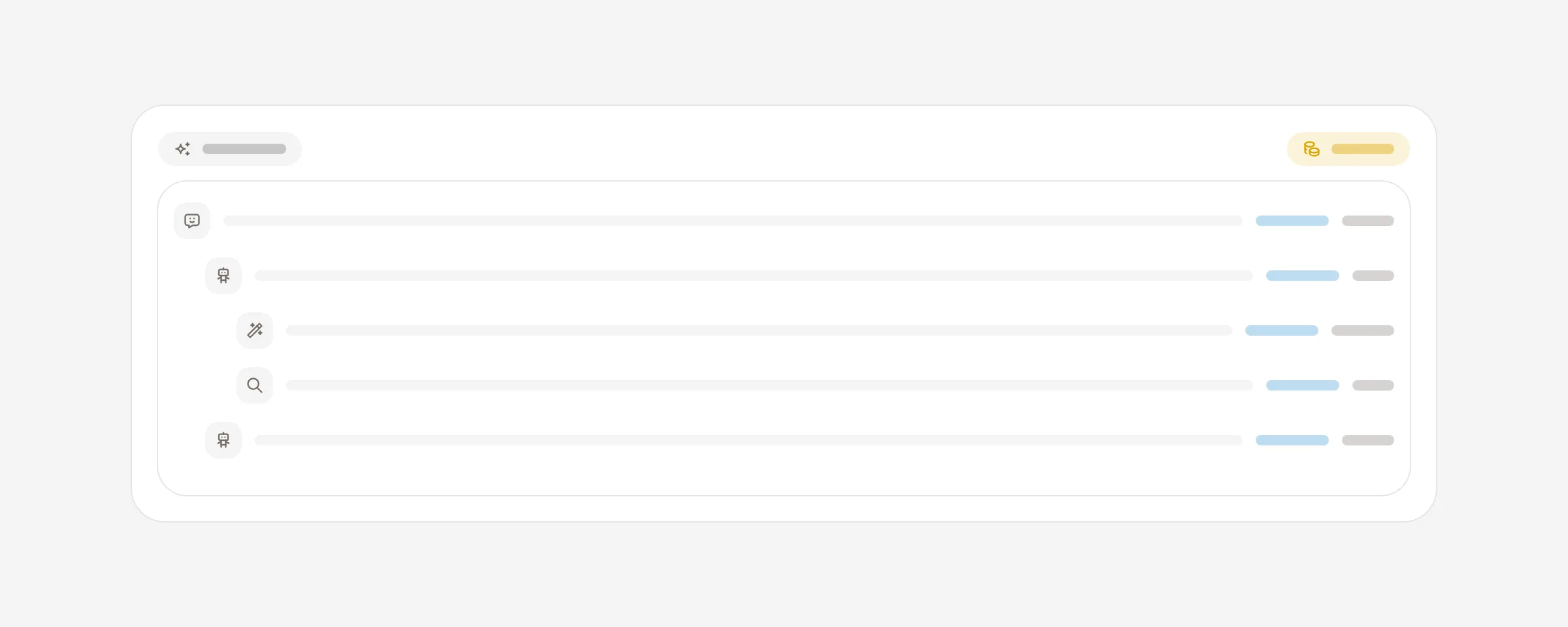
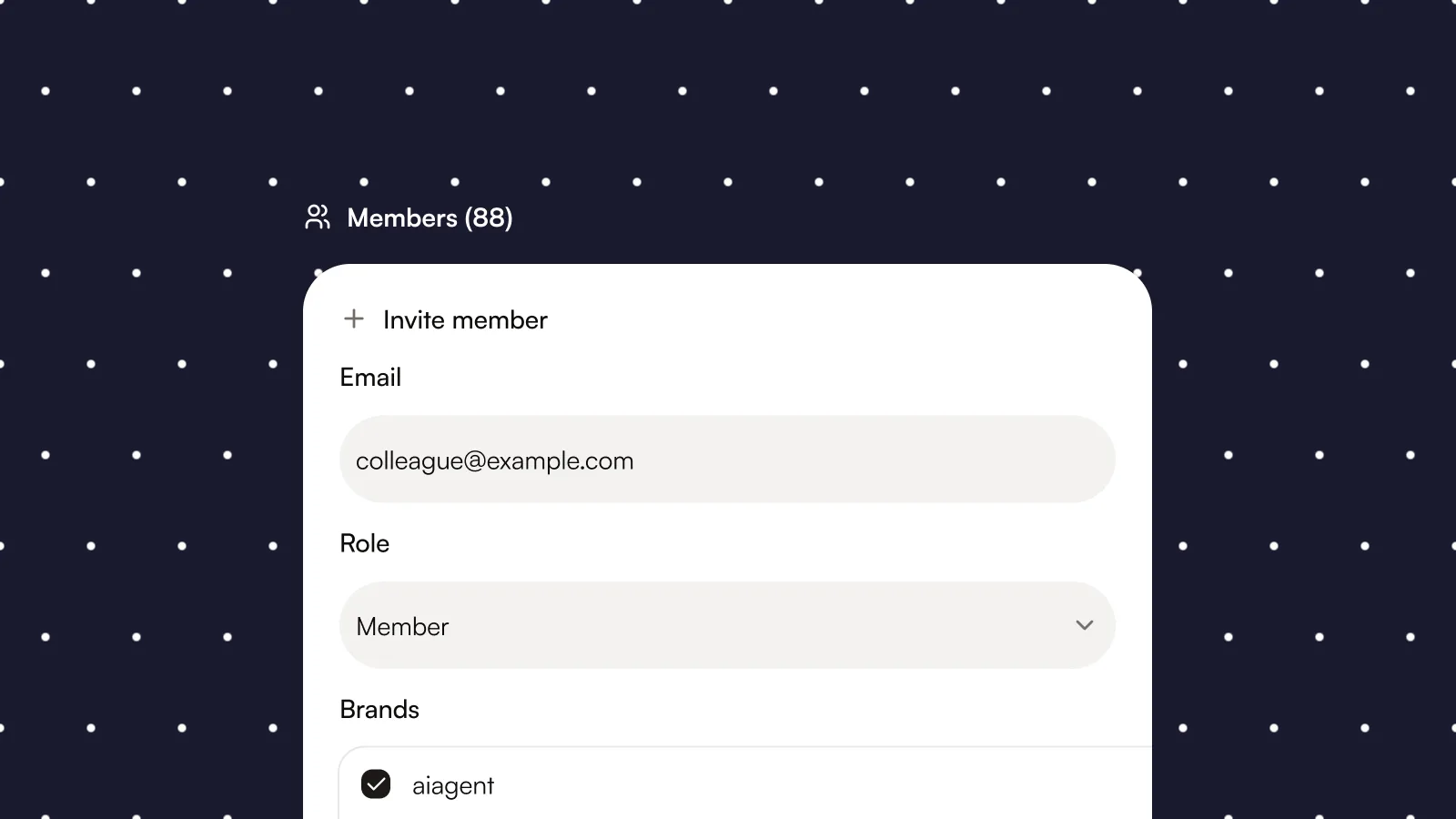
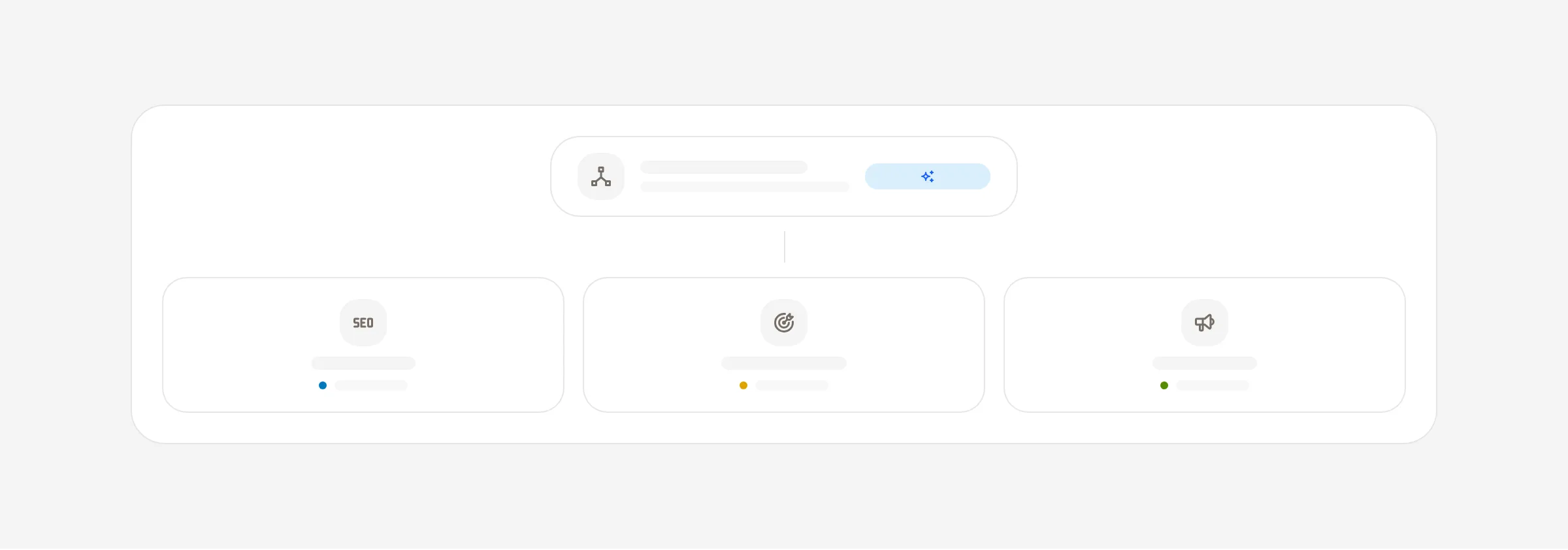
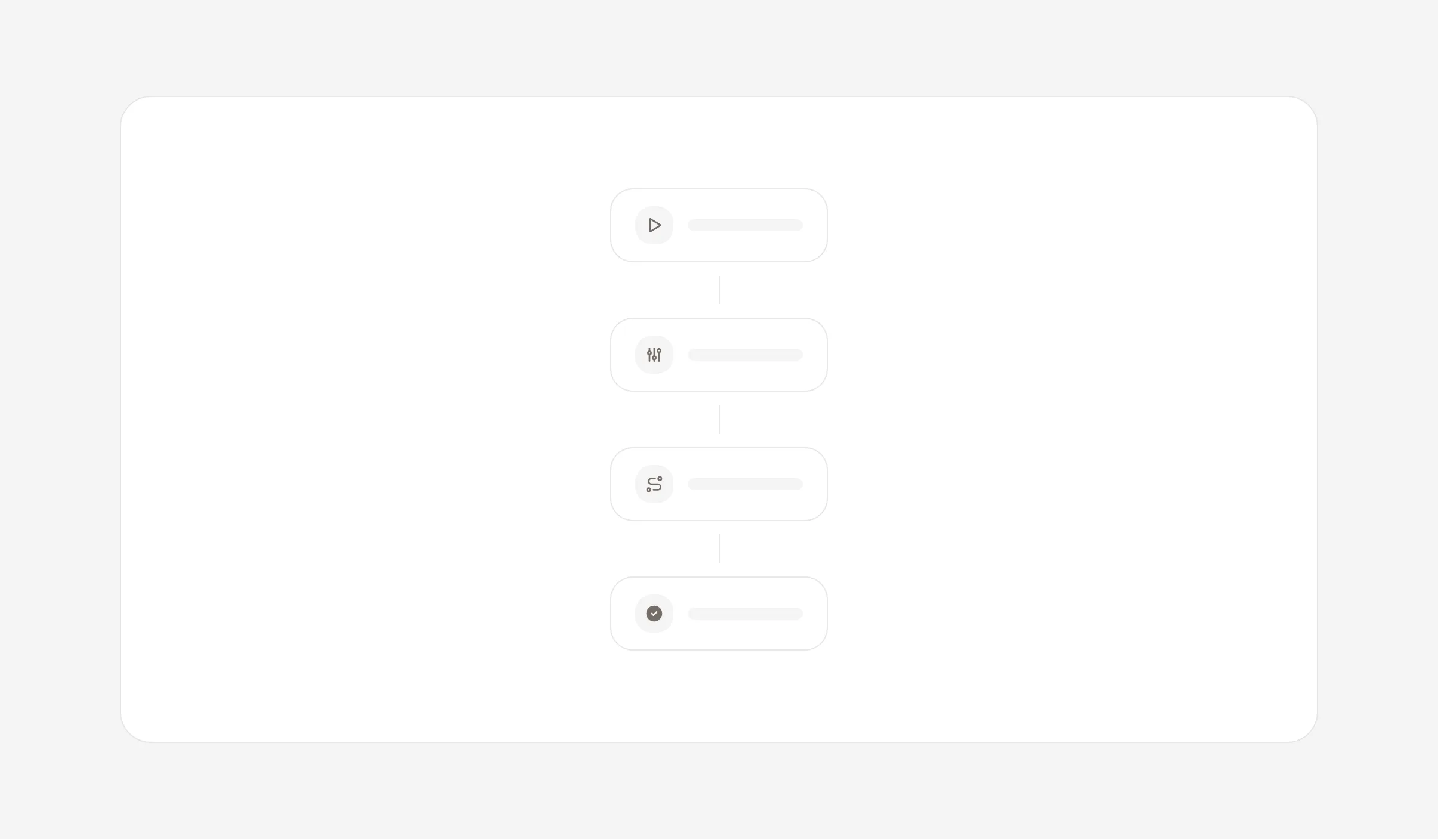
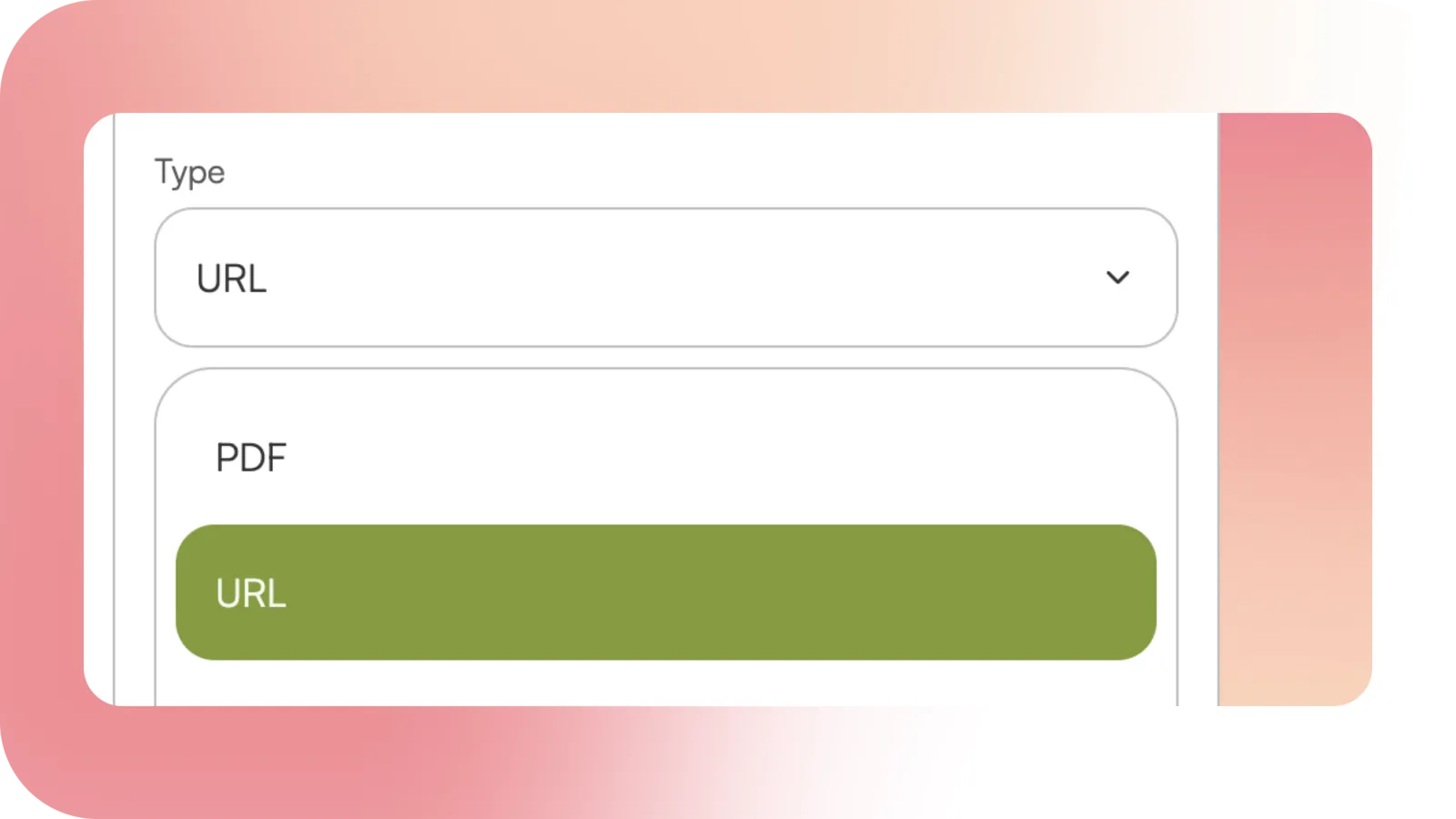
Setup now scans your public website and shows what agents can find and use there. Pick your specialist teammates, give each one the right tools, and turn the gaps into an improvement ticket.
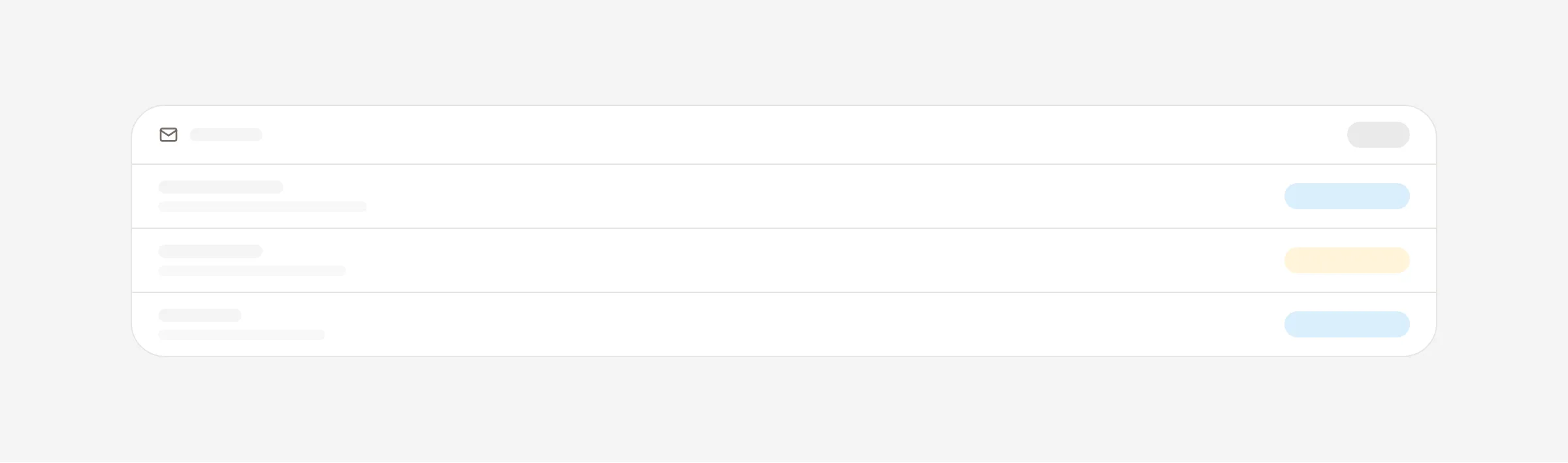
See your website readiness. Discovery, readable content, access rules, and supported agent interfaces, checked in one place with a score and a provider level.
Keep the full report. Every scan is saved as a readable document with grouped checks, the scanner’s observations, and trusted guidance. Rescan after a change and compare against the earlier reports.
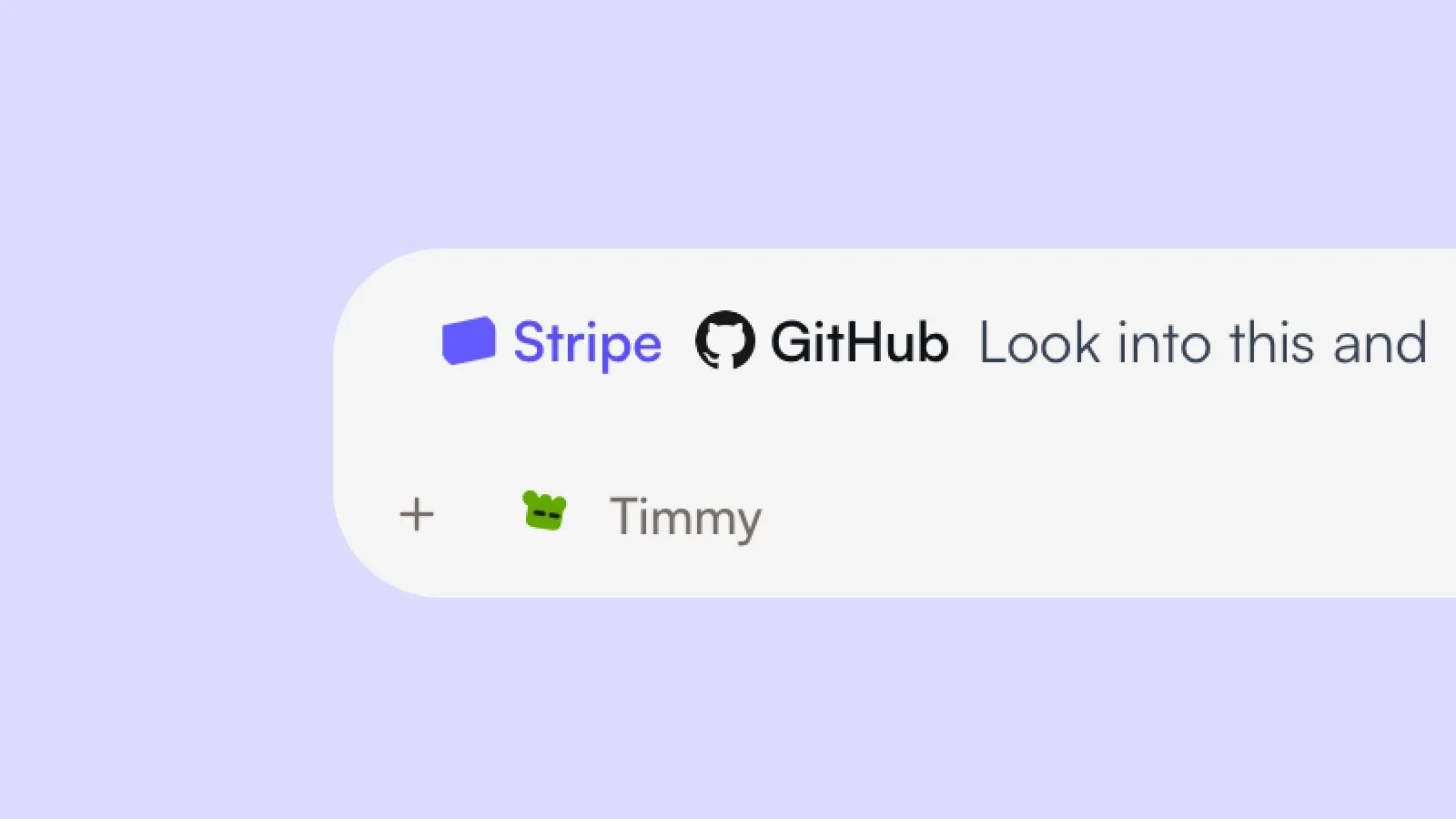
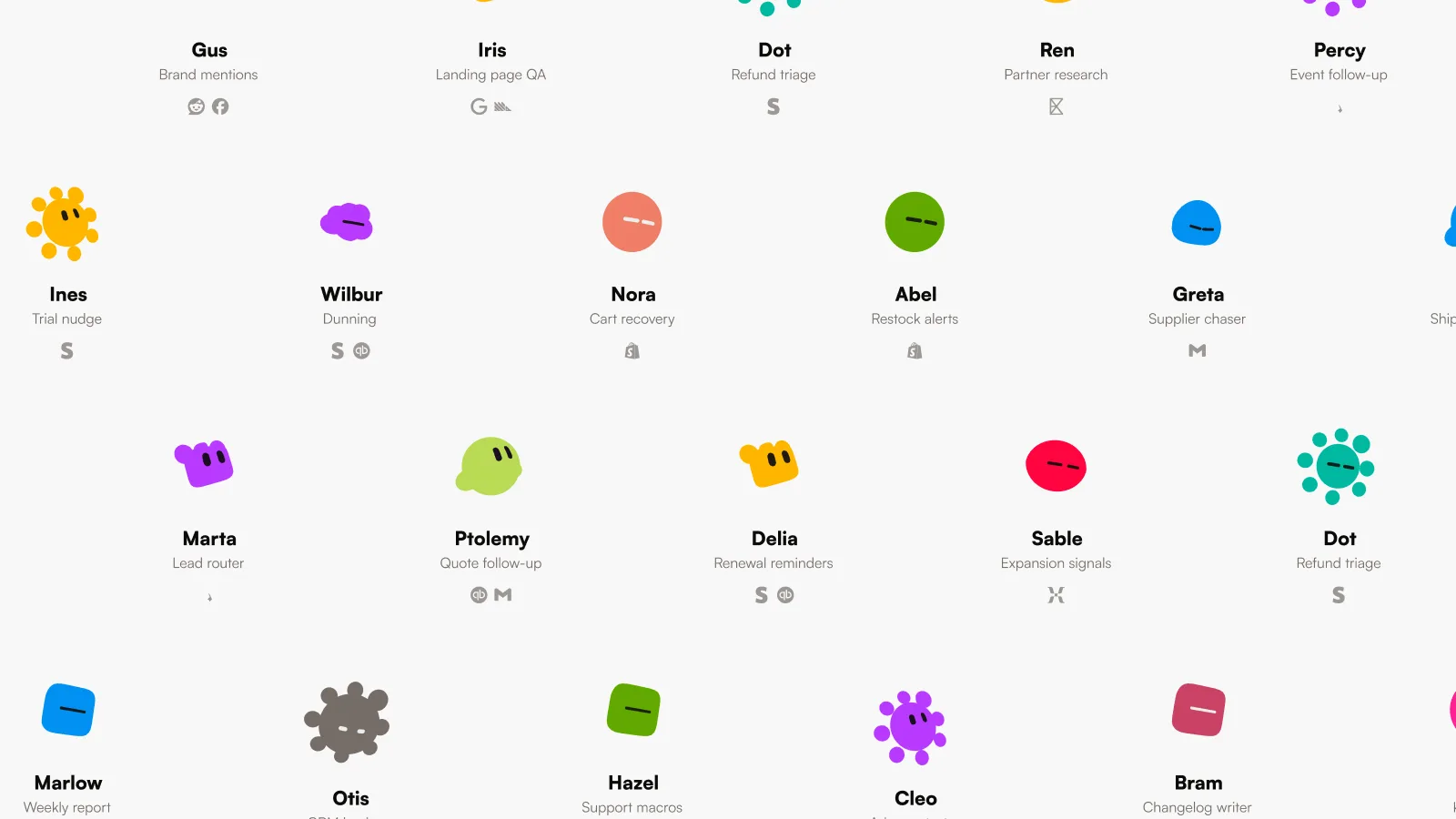
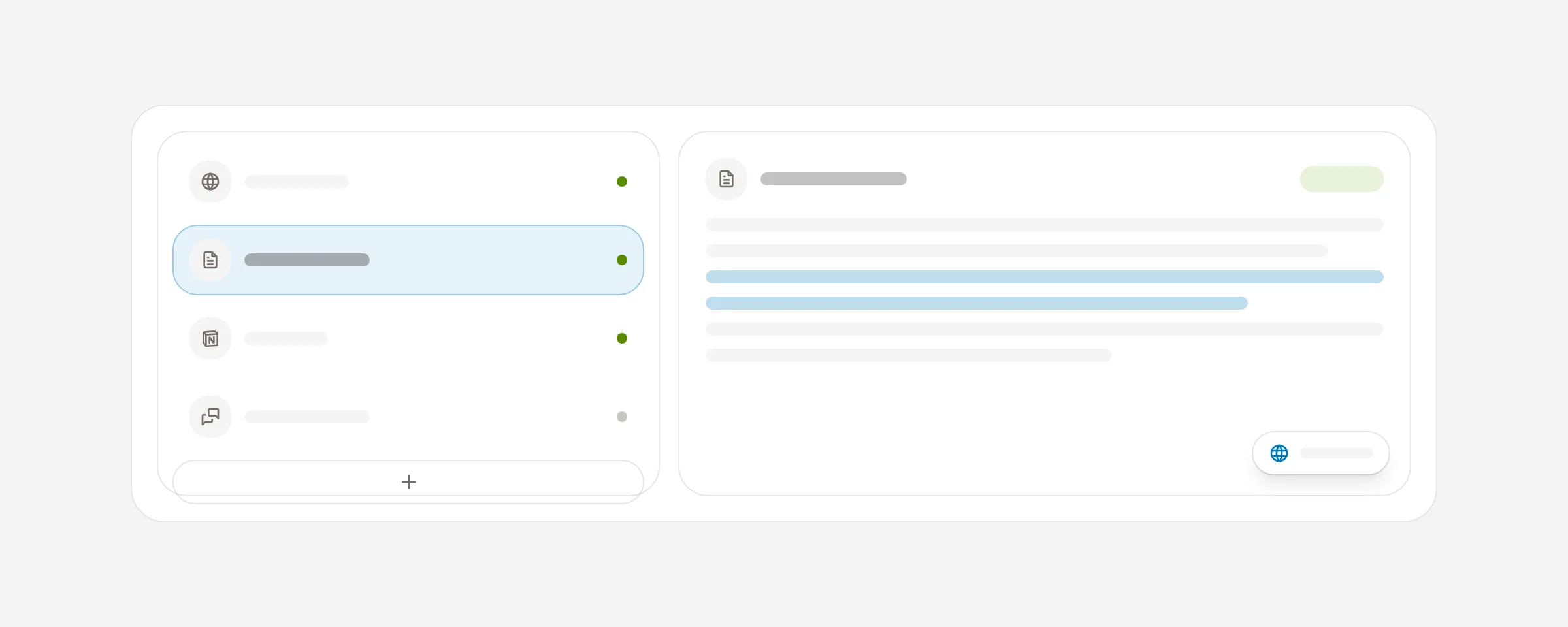
Choose your teammates. Keep the specialists you want, give them names and faces that fit your team, and leave out the rest.
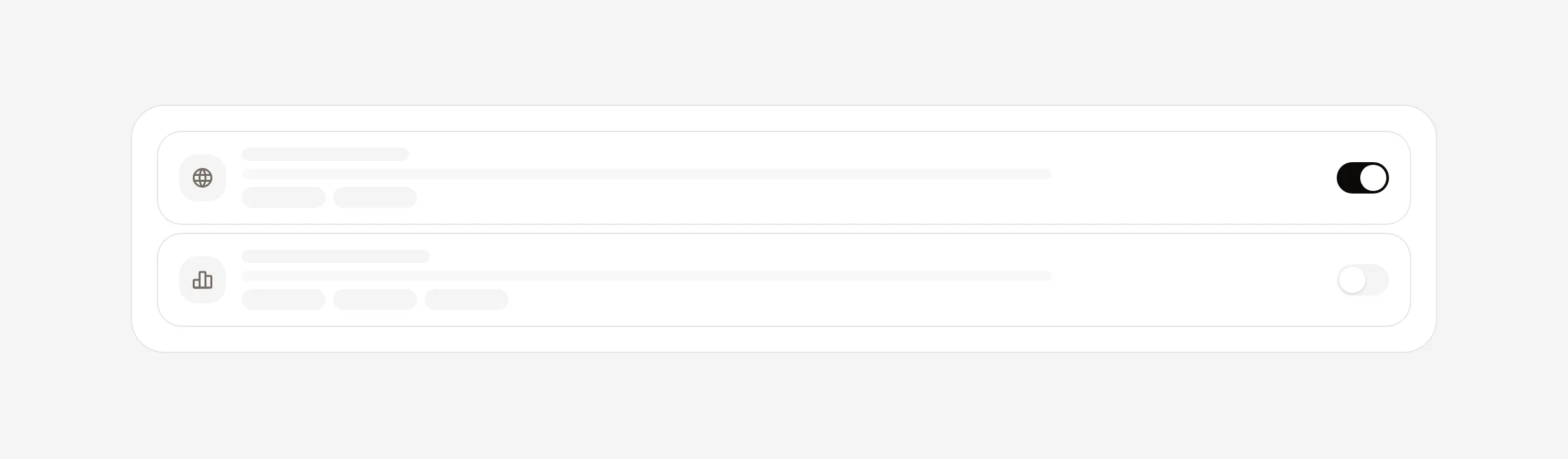
Give each teammate the right tools. Choose which connected apps a specialist can use for its work.
Turn gaps into a ticket. Select the findings that matter and get one improvement ticket with a next step and acceptance checks.
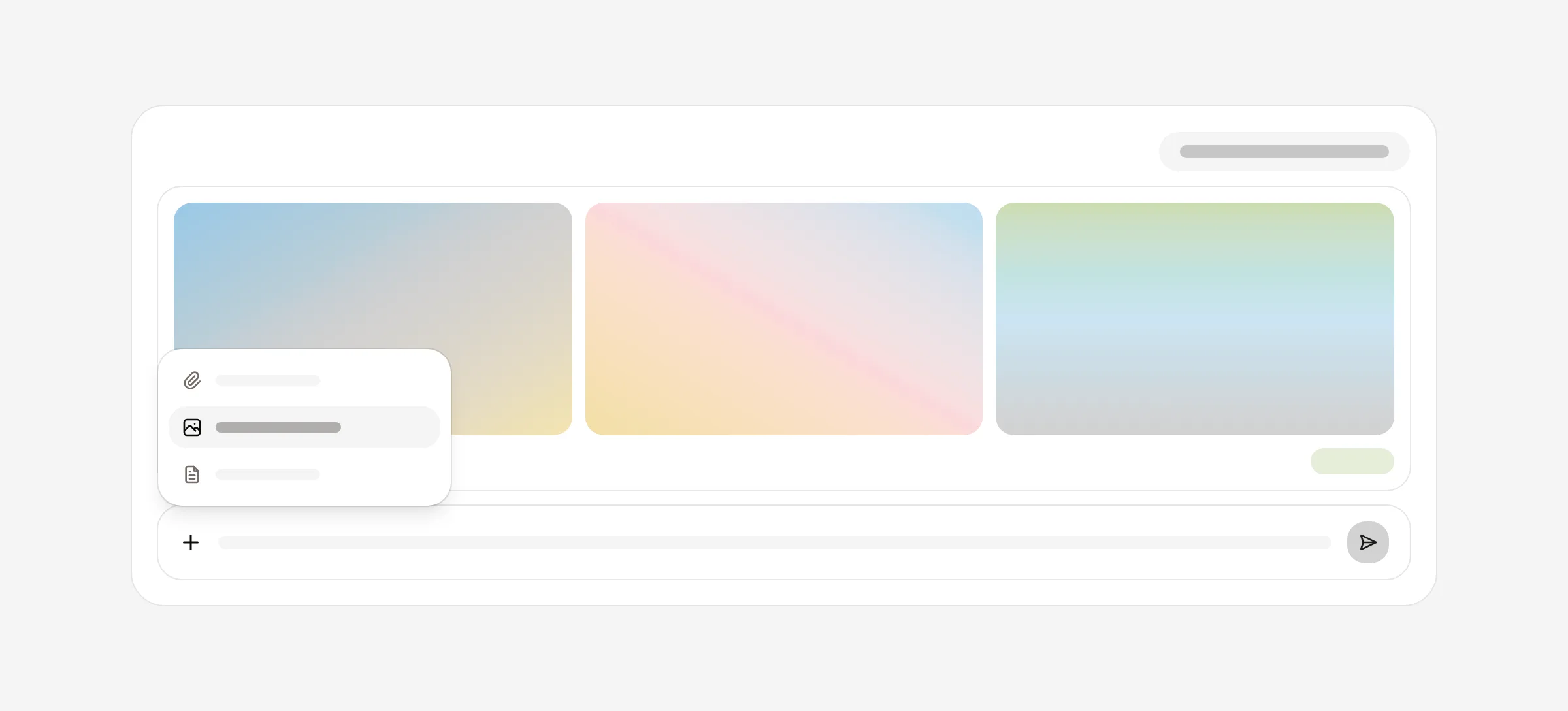
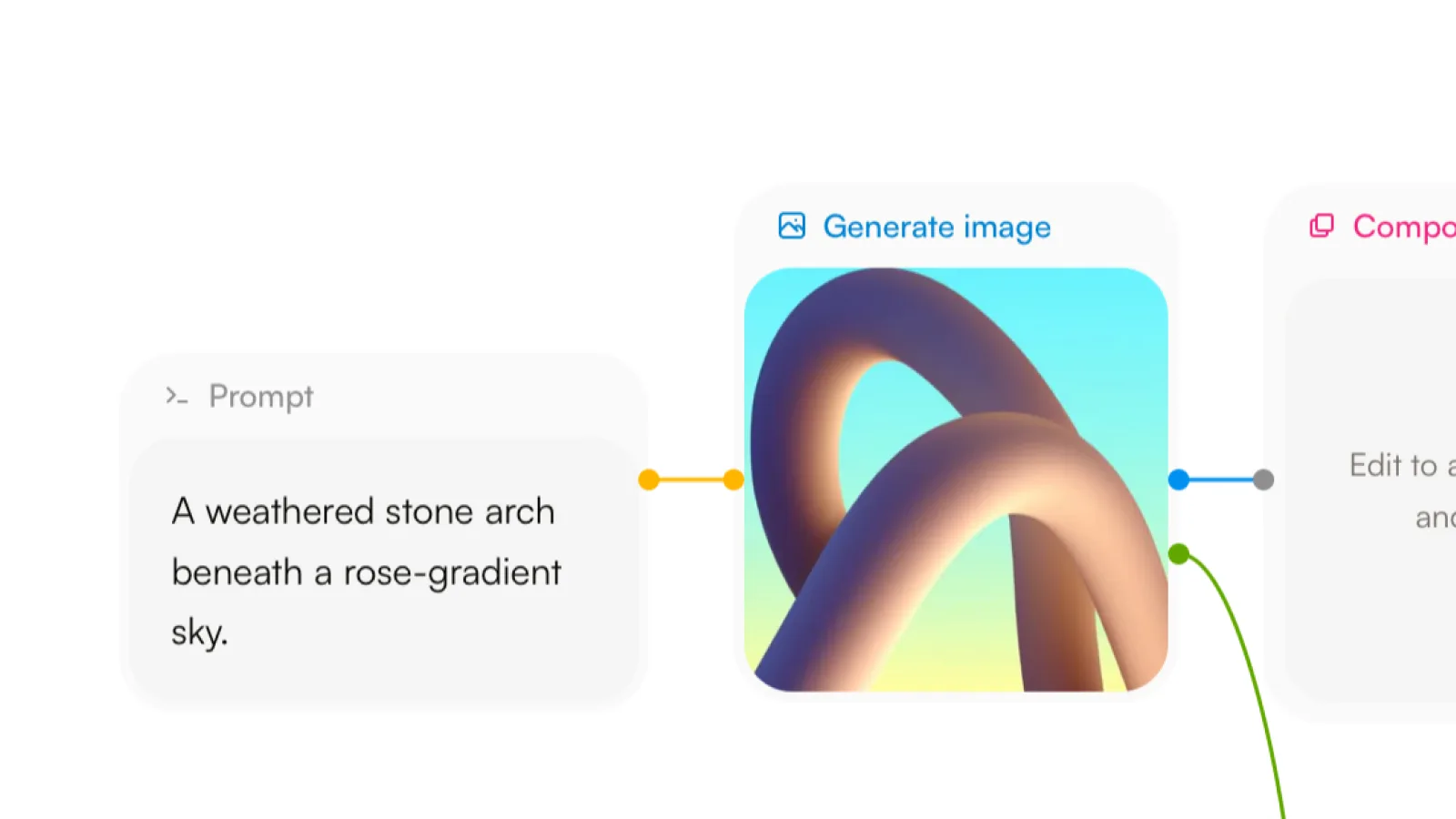
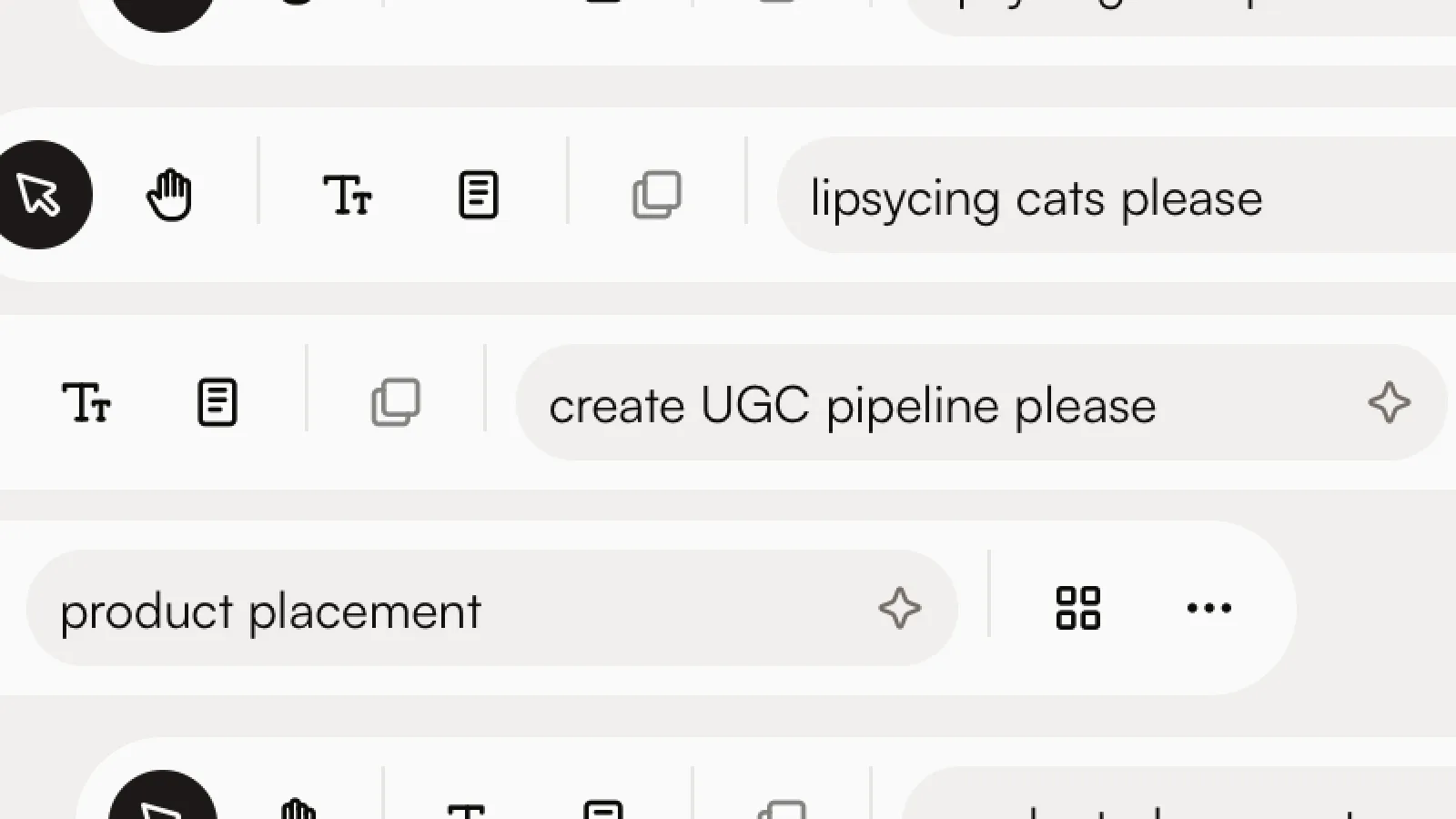
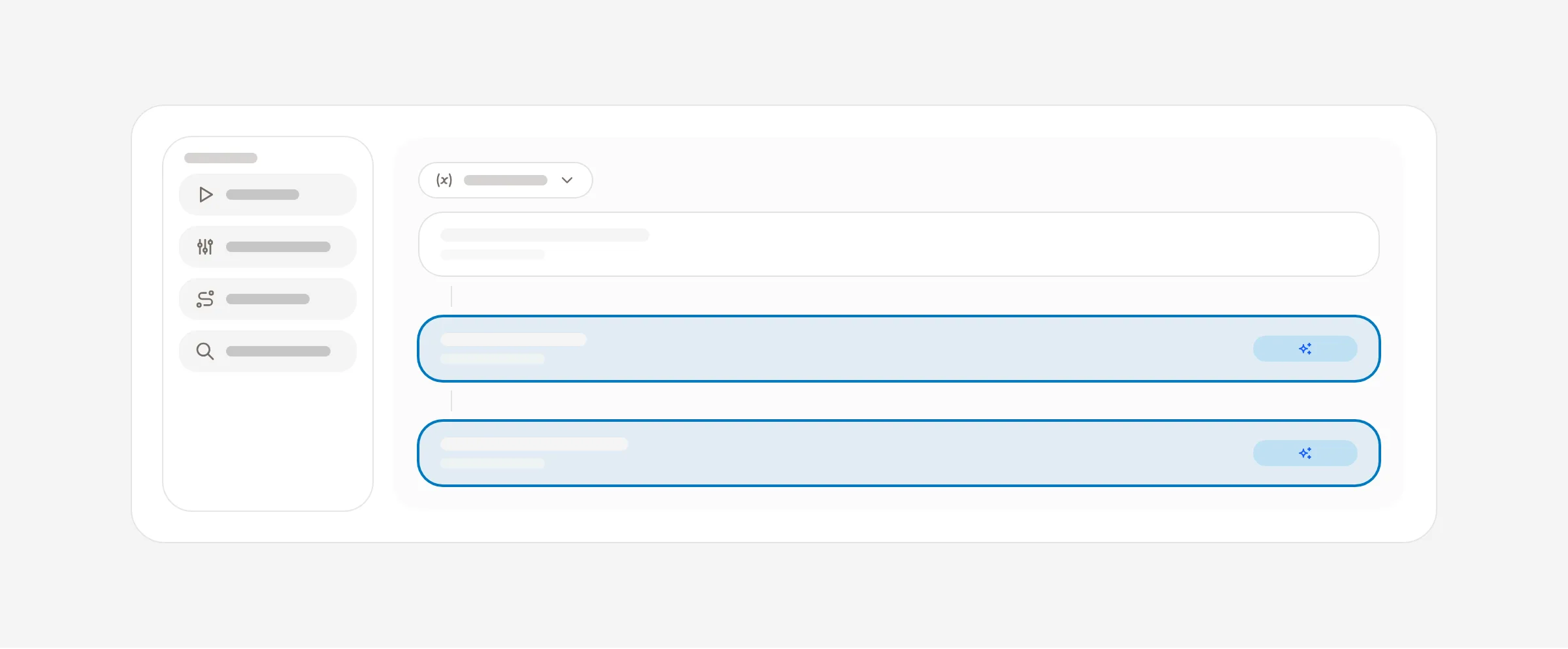
Creating on the canvas starts with a sentence. Describe the image, video, or audio you want, drop a reference image, review the settings and price, then generate.
One Create composer. Pick a medium, describe the result, and the canvas prepares an editable card. Preparing is free; only Generate spends credits.
A draft per medium. Switch between image and video and each keeps its own draft. Close the composer and reopen it and your draft is still there.
Reference images. Drop one image onto the composer to use it as a reference. Other files still land on the canvas as media.
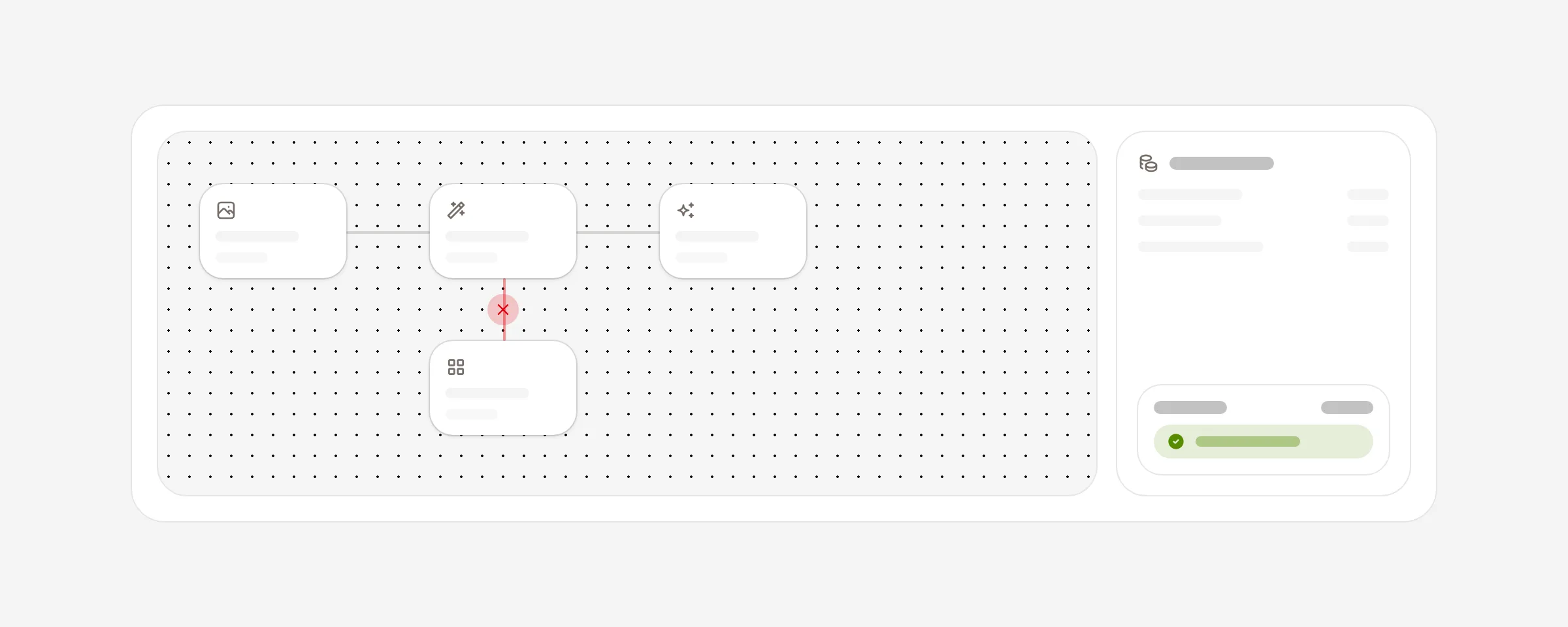
The advanced graph stays. Node handles, batches, grouping, and JSON import are all still there, and a bad JSON file now says so instead of failing quietly.
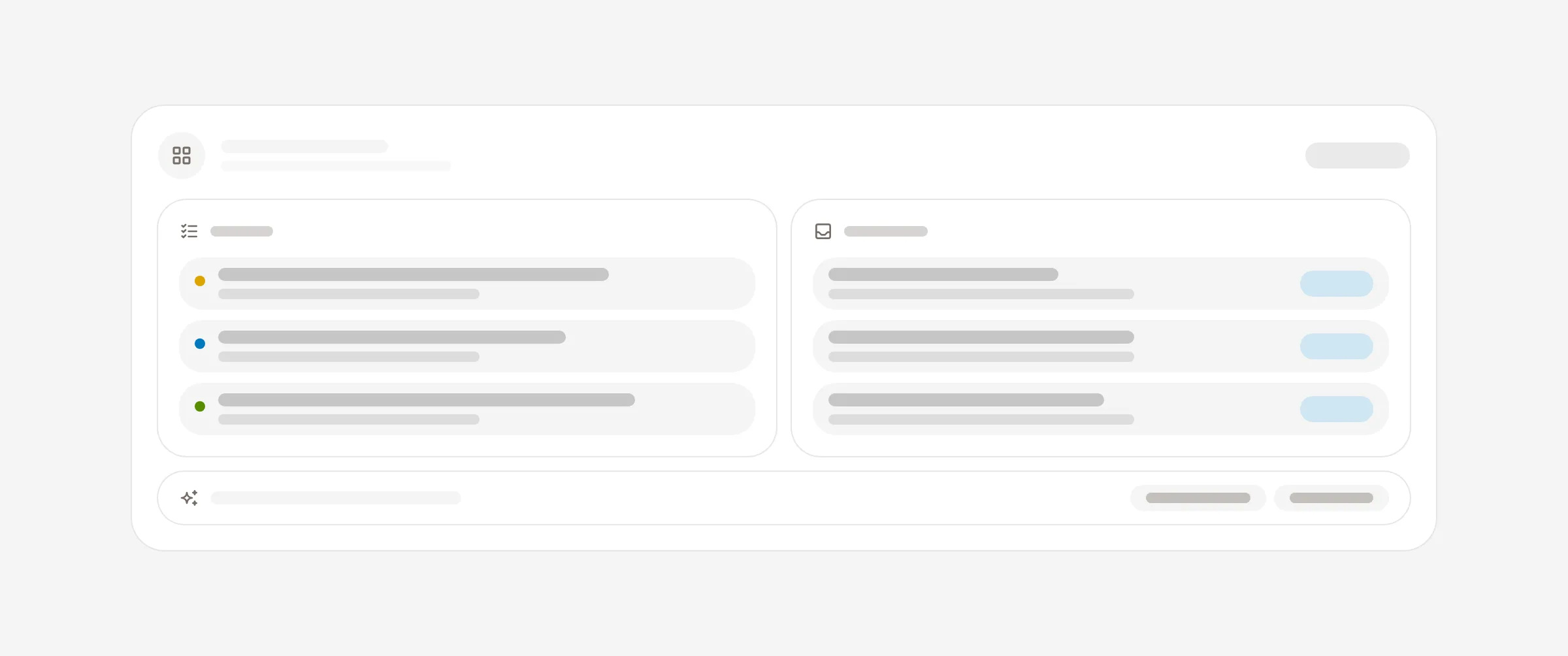
A guided tour page and a full sample workspace are open to everyone. Walk through six surfaces, then explore a read-only company with real tickets, tables, and inbox threads.
The tour. A scroll-driven walk through Board, Inbox, Overview, Chat, Agents, and Workflows, with the live product on stage. Open it from the pricing page or from the plan step during setup.
The sample workspace. Every screen is real and read-only. Open a ticket, browse a table, read an agent-drafted reply. Nothing you click costs anything or changes anything.
A deeper sample. Six teams’ worth of tickets with subtasks, approvals waiting, ten tables with agent-filled columns, and inbox threads that link to the work they started.
Your setup waits. From the plan step, both open in a new tab and lead you back to where you left off.
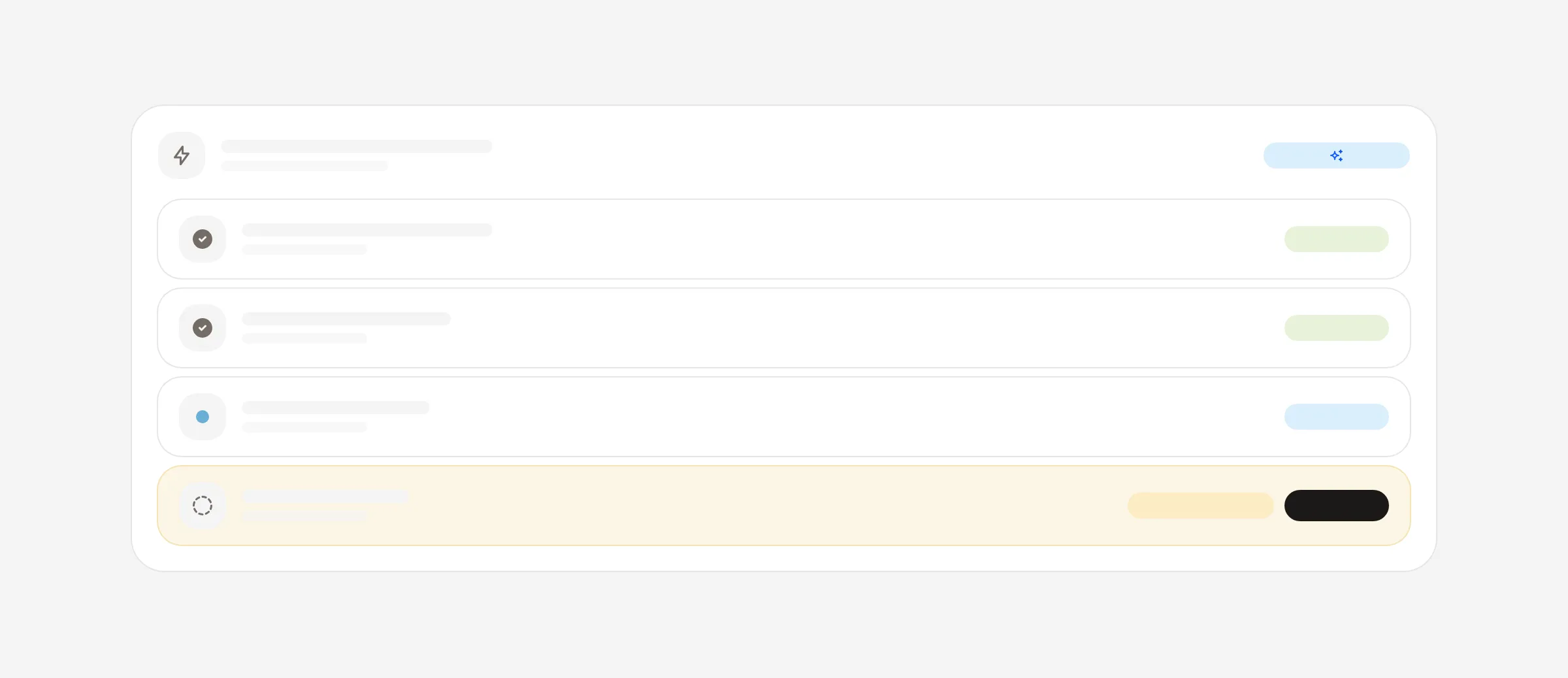
Editing a live workflow or autopilot no longer changes what runs. Your changes save as a draft, the published version keeps running, and you publish when you are ready.
Drafts everywhere. Edits from the setup form, the builder, and chat all land in the same draft. A pending draft is shown on the autopilot with a publish control.
New autopilots start paused. Review the setup, then activate. Nothing polls or listens until you do.
Faster setup. Six complete recipes to start from, undo, readable schedule input with a timezone preview, and trigger checks before you save.
Recent runs you can search. Filter by status or ID, and the list recovers after a refresh.
A batch of fixes for Creative Canvas: connections are easier to delete, keyboard focus behaves, the layout fits smaller screens, and batch quotes now equal what you are charged.
Delete a connection with the keyboard or with a click on the edge itself.
Focus stays where you put it, and the canvas fits tablets and narrow windows.
Status labels say what is happening: queued, generating, ready, or failed, with the reason.
Batch quotes are summed per item, the same way the charge is, so five short voice lines quote what they cost.
Credits already committed to running generations are counted exactly, and a per-brand rate cap stops runaway submits.
Connect a Phantom wallet on the sign-in screen. Your $AAA balance earns a rank, and the rank earns a discount code for your first 12 months.
Phantom on the sign-in screen. Open “More options”, sign a message with your wallet, and you are in. A wallet we have not seen before finishes signup with Google, so the account still has an email you can be reached on.
Three ranks. 10M $AAA makes you a Shark at 25% off, 50M a Whale at 50%, and 100M a Kraken at 75%.
The code covers 12 months on the Start and Pro plans. Settings → Billing shows your rank and the code to paste at checkout.
One wallet, one account. Connect or remove your wallet from Settings → Profile.
Telegram posts one live message per run, connected-app logins refresh safely, the workflow compiler rejects unsafe tool steps, and large workflow graphs render faster.
Telegram live updates post once per run. Repeated messages during a long step are gone.
Connected-app token refresh is safe under concurrency, so a connection is never revoked by a race.
The workflow compiler refuses tool steps that would bypass approval in a hand-built graph.
The workflow builder does a fraction of the work per frame on large graphs, so dragging stays smooth.
Image generation requests are clamped to the number of images actually billed.
Filter, Stop, Format, Dedupe, Wait for event, Respond, and Call workflow join the builder, plus an error branch on every step that talks to the outside world.
Filter and Stop end a run early when a condition is not met, and the run history says why.
Format reshapes text, numbers, and dates between steps with named formatters. No code.
Dedupe lets an event through once. The same lead, order, or message never triggers the same work twice.
Wait for event pauses a run until something happens elsewhere, then resumes exactly where it stopped.
Respond answers a webhook from inside the run, so the calling system gets a real reply.
Call workflow runs another workflow as a step and hands back its result.
Agent, Tool, HTTP, and Send steps gain an error branch, so a failure can route to a fallback instead of ending the run. Loops now collect every iteration’s output for the steps after them.
Turning on a workflow that writes to your tools now shows exactly what it will change and waits for your consent. Webhooks are signed, repeated failures pause the workflow and tell you, and any run can be rerun whole.
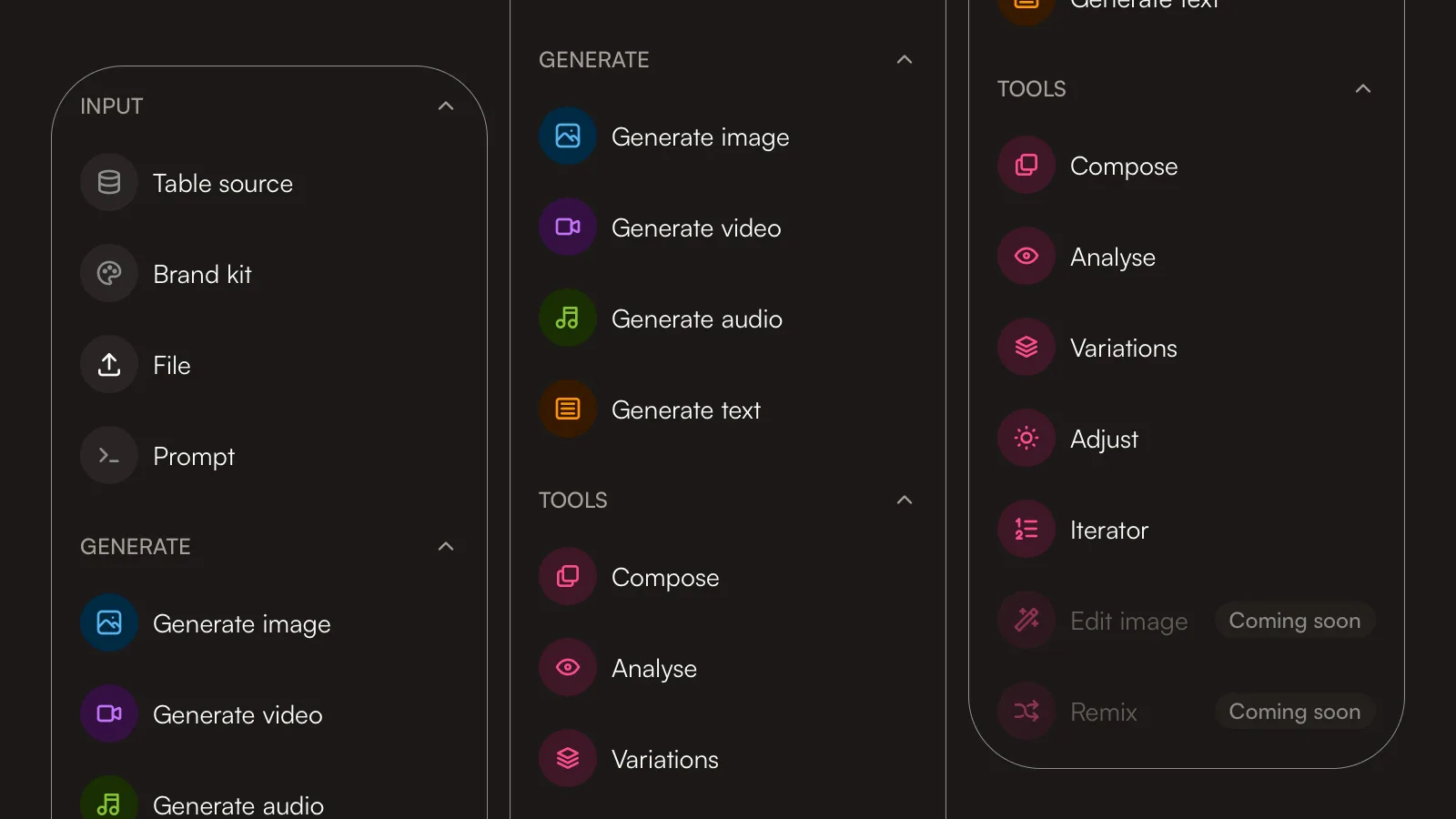
Creative Canvas now includes Compose, a studio for turning generated image, video, and audio into an image composite, a storyboard, or an edited video. Max plan, Labs.
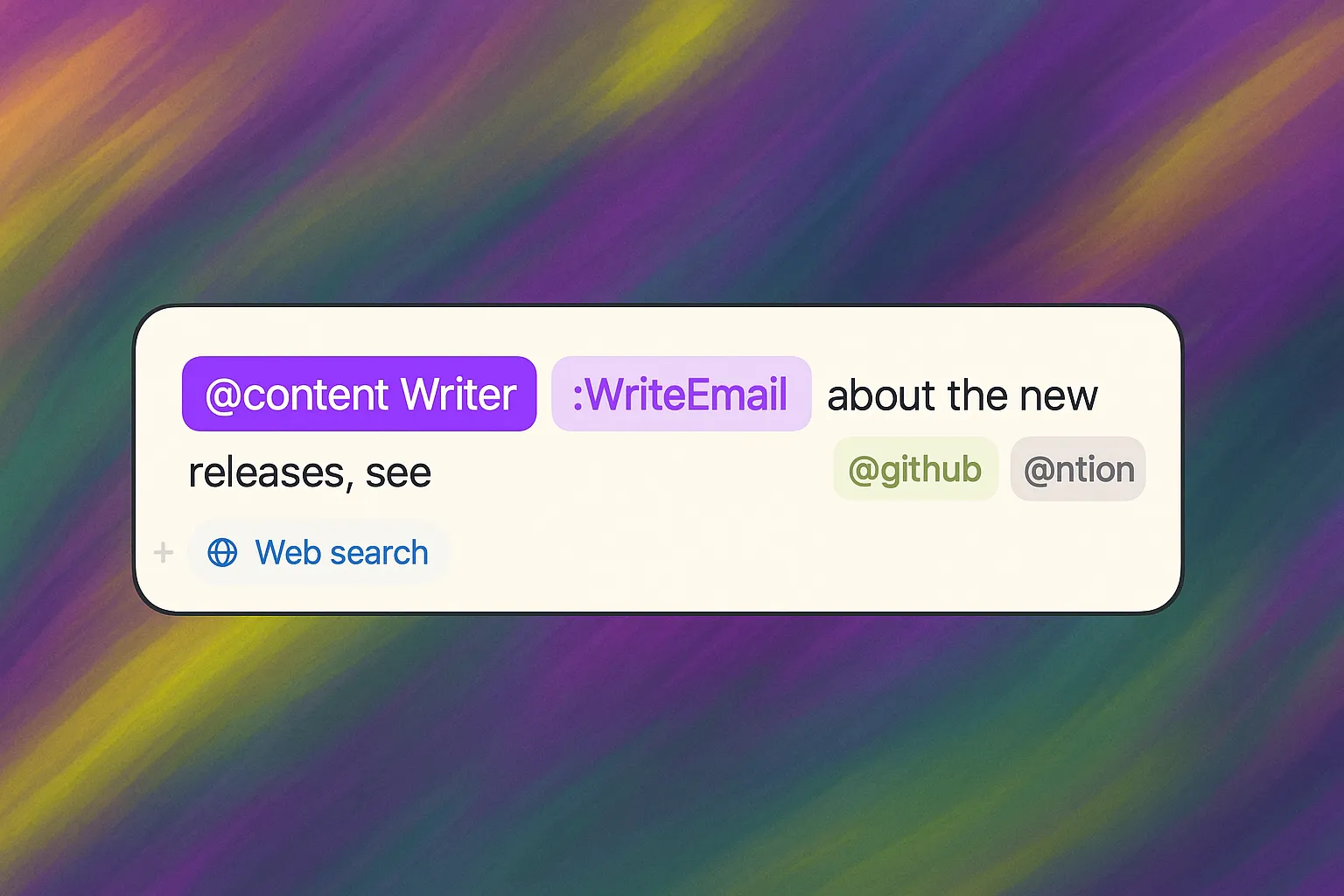
Mention a connected app in chat and the agent can use it on that turn. Plus a second Google Analytics account, a Home page, and the ticket's run log where the conversation is.
Generated workflows now send email and Telegram, call your connected apps, and run on a schedule or a trigger. Plus GitHub and Linear issues on your board, and a canvas that prices itself honestly.
Skills open with their content, new agents are mentionable straight away, the board refreshes when you come back to it, and agent lists show only your own agents.
An approval step is the one place a human authorises an agent to act, so the only safe default is to keep waiting. Approval nodes now proceed on an explicit approval and nothing else.
Onboarding could produce three tasks and send three near-identical emails a minute apart. Tasks ready for review are now batched into one email, and you pick whether that arrives immediately, daily, or weekly.
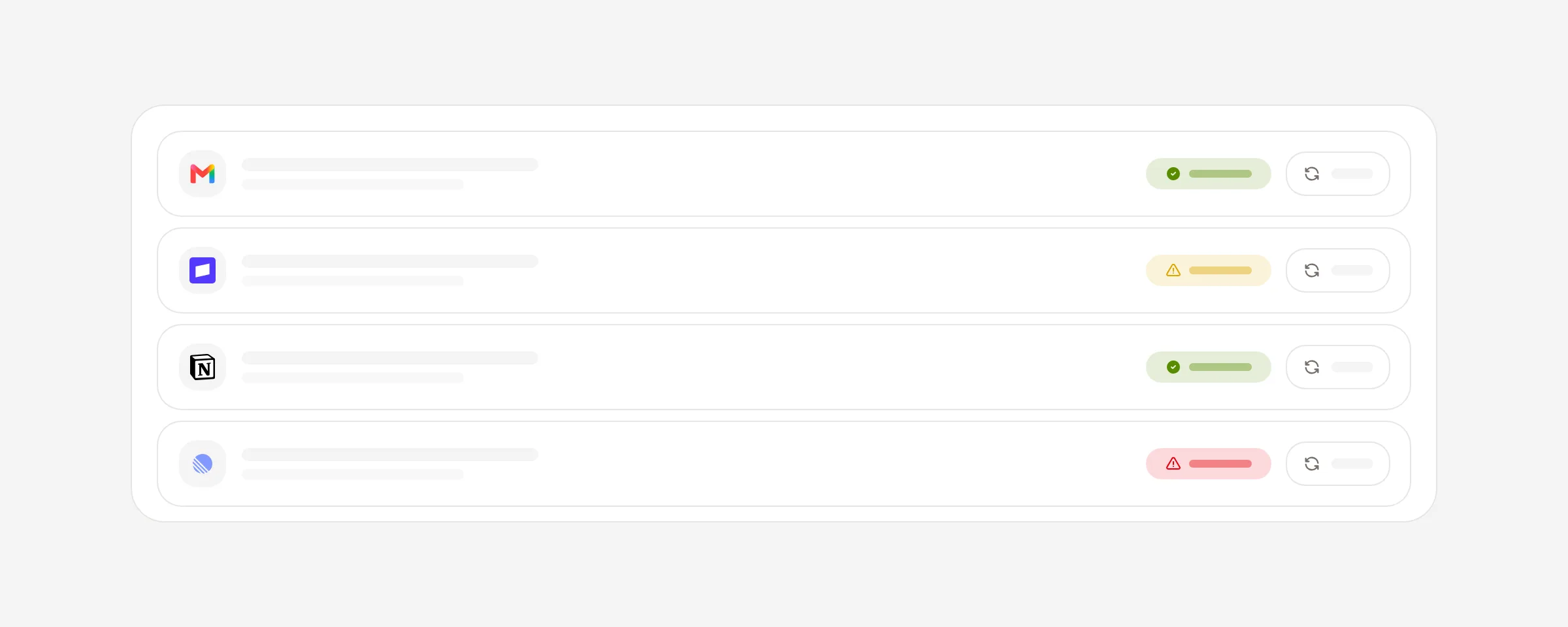
A connection can look connected and be completely unusable — expired credentials, a revoked token. Connections now carry a live health state, tell you which of the two it is, and let you test one on demand.
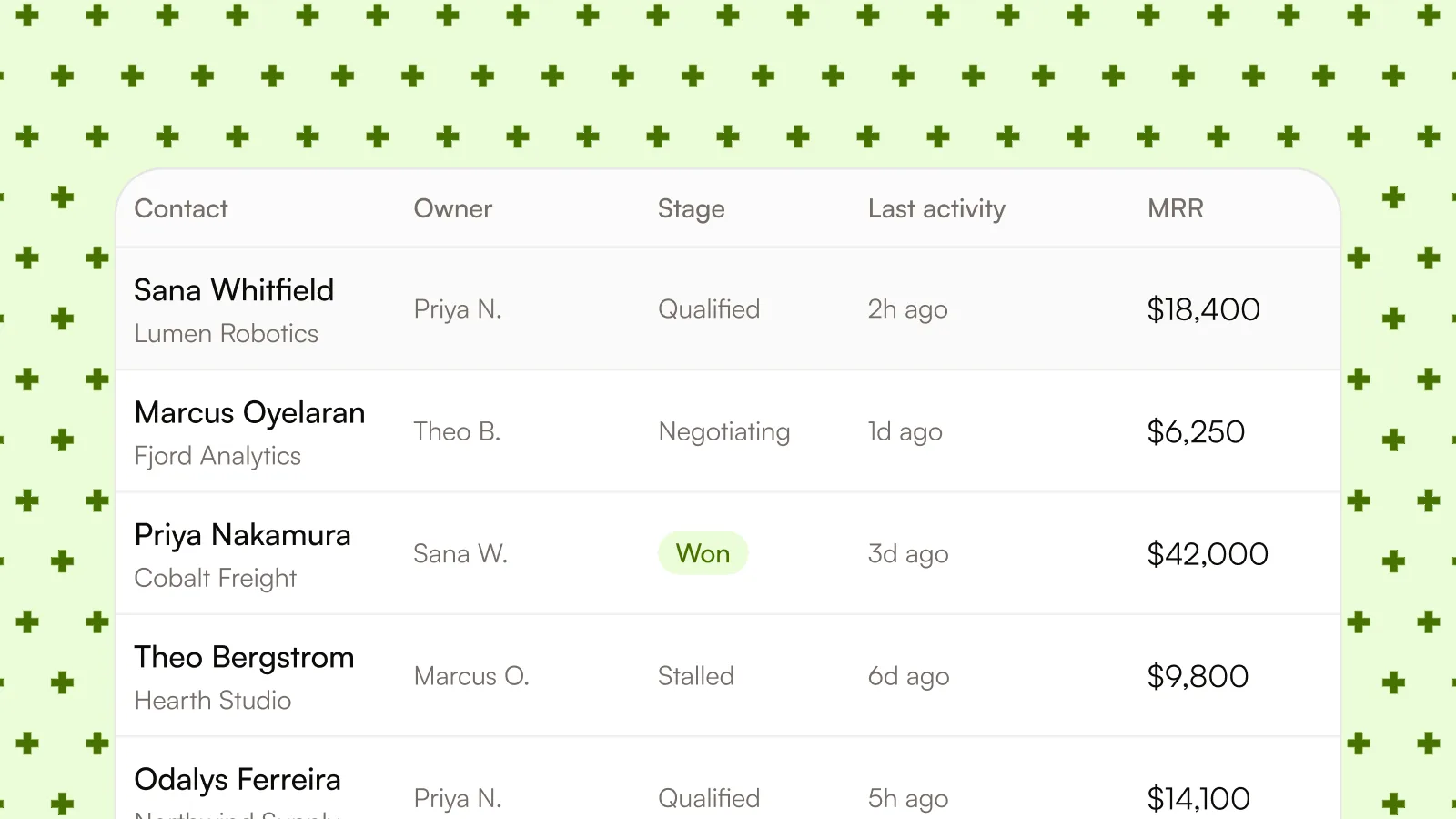
Turn business data into typed Tables for people and agents. Organize it with saved views, let an agent compute a cell or update a column in batches, and inspect how each result was produced.
Build Company Brain from your Tables, then ask questions across every Table in your workspace. Combine data across Tables, uncover trends, and get summaries in chat, then check when the data last synced and refresh it whenever you need a newer answer.
Chat now keeps the work behind an answer visible. Follow a live plan as it progresses, open cited knowledge and web sources inline, and return to the thread with its plan and web results intact.
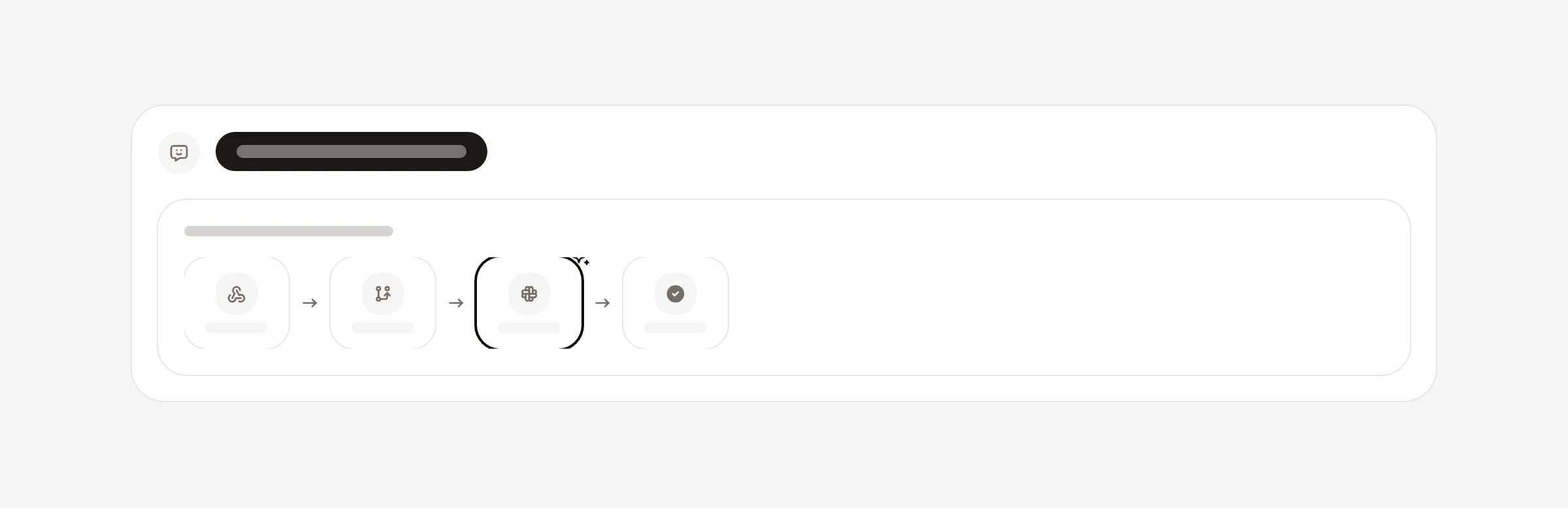
Describe a change to a workflow in plain language and the builder makes it for you. New steps splice straight onto the canvas and the layout re-flows so the end stays last — no dragging required.
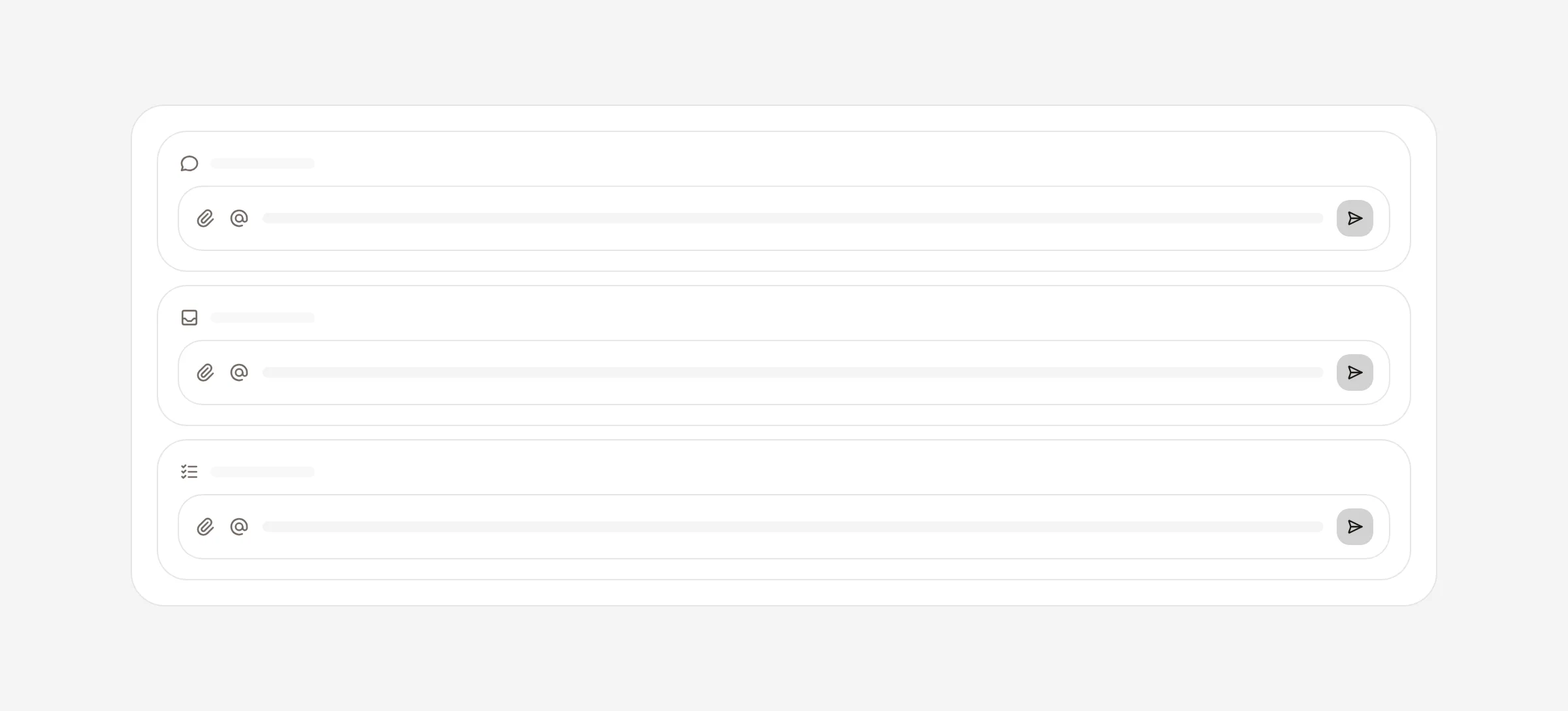
The message box is now identical across dashboard chat, the inbox, and ticket conversations — same attachments, same @-mentions, same quick actions. Learn it once, use it everywhere.
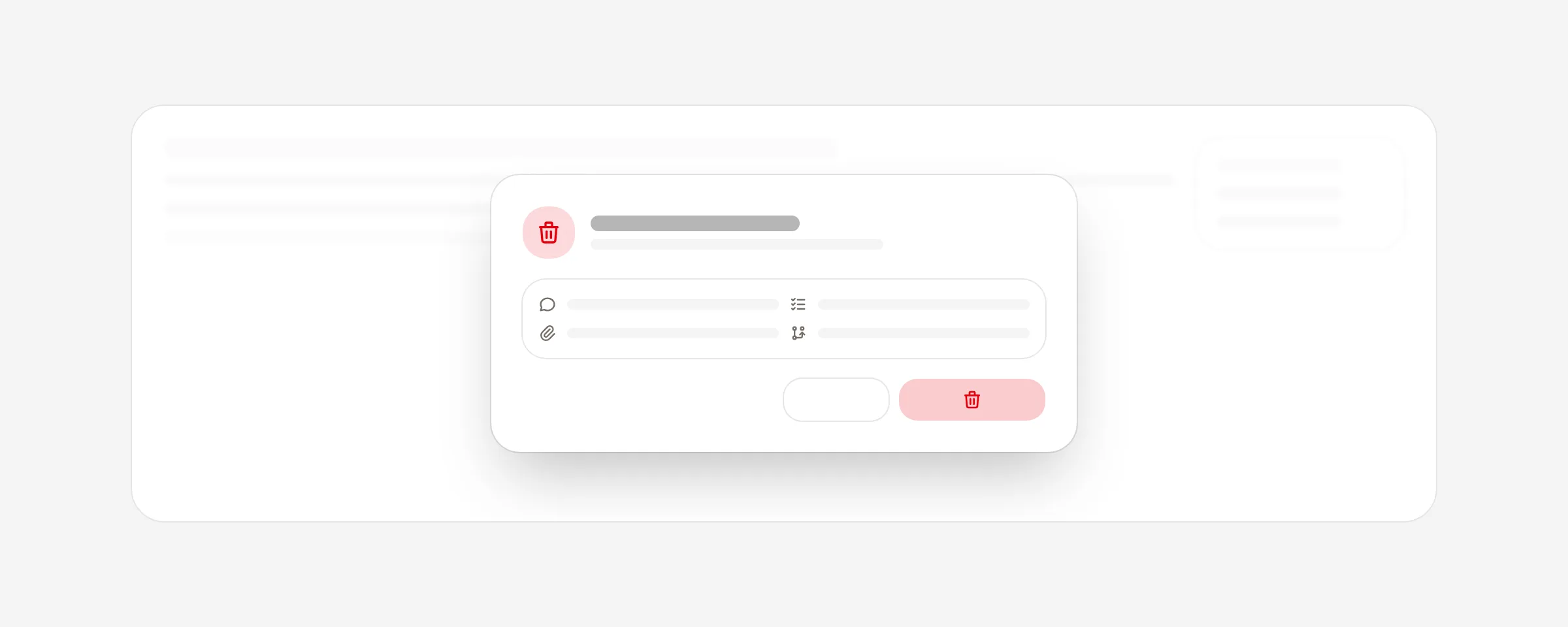
Tickets can now be deleted outright. Removing one cleans up its comments, subtasks, attachments, and links in a single step, behind a confirmation so nothing goes by accident.
Connect Telegram and its messages land in the same inbox as your email. Each one gets an AI-drafted reply you approve before it sends — with reactions, edits, and attachments all handled natively.
Connect Gmail and your agent studies how you actually write, distilling it into a reusable voice profile that shapes every reply it drafts. Review it, refresh it, or clear it whenever you like.
Your business context, competitors, and sources now live in a single master–detail view. Pick anything on the left, edit it inline on the right — no more hopping between tabs.
The workflow builder grew up. Drag from any block to add the next one, insert live data with a searchable picker, and see exactly which branch a condition took on its last run.
The dashboard opens onto a configurable command center — pinned chat, a live to-do list pulled straight from your tickets, an inbox digest of what needs you, and suggested next moves. Resize and arrange it to fit how you work.
Approve a ticket and an agent takes it from there. Each step is logged live as it runs, and any action that touches a connected service — posting, updating, publishing — pauses for your approval before proceeding.
All your run history is now in one place. Workflows, autopilots, and background system runs share the same master-detail panel — scroll the list, click a run, and drill into its steps or approve a pending action without leaving the page.
Your workspace now builds a structured company profile from your site — mission, vision, founding story, values, founders, headcount, and industry. Each field shows its source and confidence so you can see exactly where it came from and edit anything the crawl got wrong.
Drag a file into any chat and the agent reads it as part of the conversation. Attach a CSV, PDF, or text file and ask questions about it — the agent has the full contents in context, no need to upload it to your knowledge base first.
First-time setup is faster and more guided. A product tour walks you through every section of the dashboard with screenshots, and the use-case menu has redesigned previews that show what each automation actually looks like before you enable it.
Browse every available integration in one place and connect with a single click — no API keys to copy or rotate. Managed OAuth is live for Stripe, Notion, and Linear.
The Traces tab is now a full debugging surface. See each run by the prompt that started it, drill into individual steps, and get accurate cost and token counts broken down by model.
New workspaces open onto ready-to-run automations — enable competitor tracking, an SEO audit, or review mining in one click. On signup we crawl your whole site to pre-build the knowledge every agent draws from.
The agent builder gained advanced controls: turn on extended thinking for harder reasoning, set input and output guardrails to enforce your rules, and attach evaluators that score responses automatically.
A transparent credit system, end to end. Every agent action costs a defined number of credits, each plan includes a monthly pool, and a ledger tracks every debit and top-up — predictable pricing, not a per-token meter.
Connect Gmail and incoming mail flows straight into your agents. The agent reads the thread, drafts a reply, and queues it for your approval — nothing is sent without you.
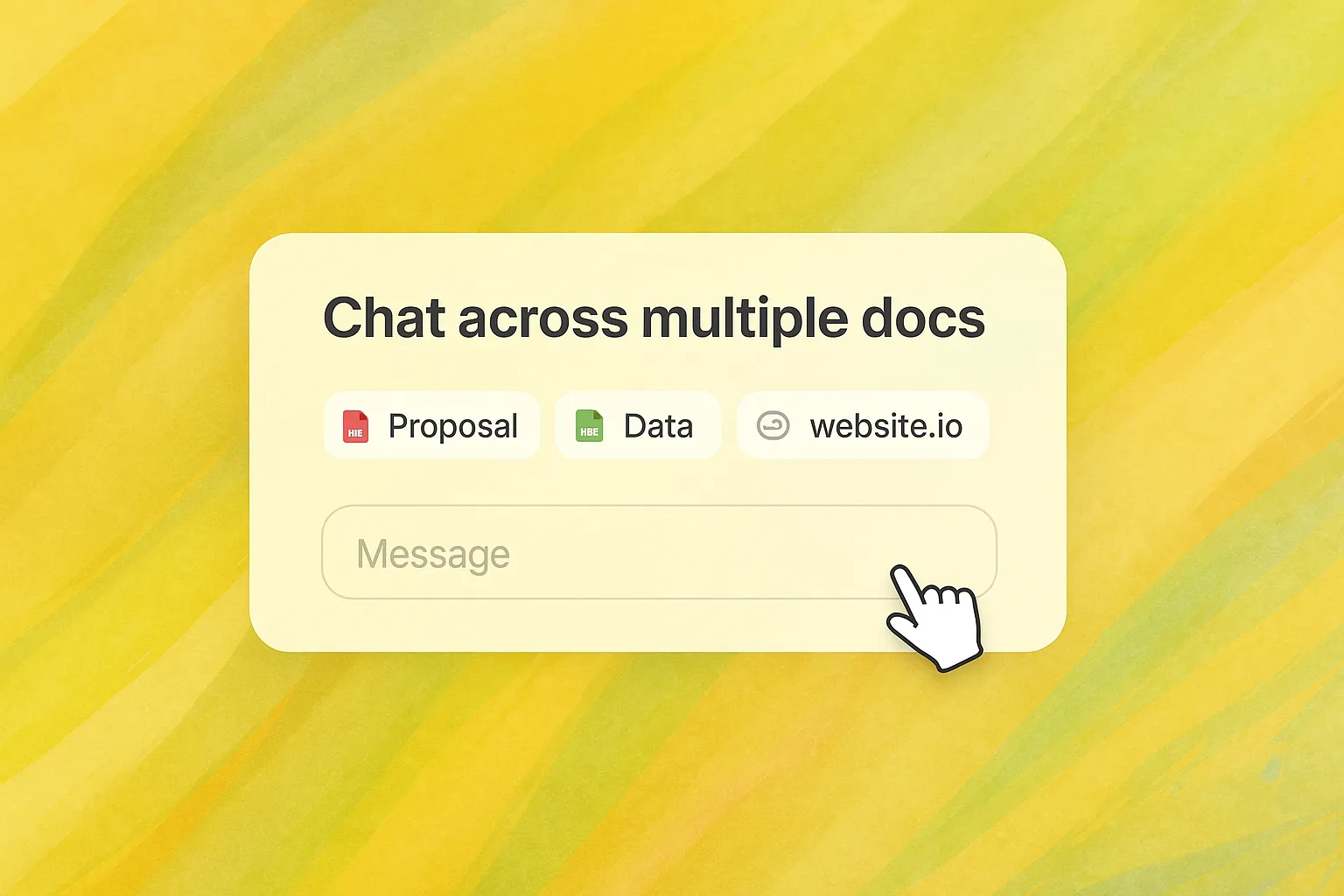

Upload documents and connect data sources, and your agents retrieve and cite the most relevant content when answering or drafting proposals — answers grounded in your actual company data.
Agents can now propose board tickets straight from a conversation. An inline draft card appears for you to edit and accept — landing the ticket on your board without leaving the chat.
Attach platform-provided tool bundles to any agent with a toggle. The first two are Web Research — search the web and read any URL — and SEO Intelligence: keyword volume, rankings, SERP data, and backlinks.
Agents can work as a team. A supervisor delegates tasks to specialists — SEO, strategy, outreach research — and synthesizes their work into a single answer right in your chat.
Always-on automations that run on a schedule with no manual trigger. The flagship App Store Optimization autopilot monitors your listing and suggests metadata improvements on its own.
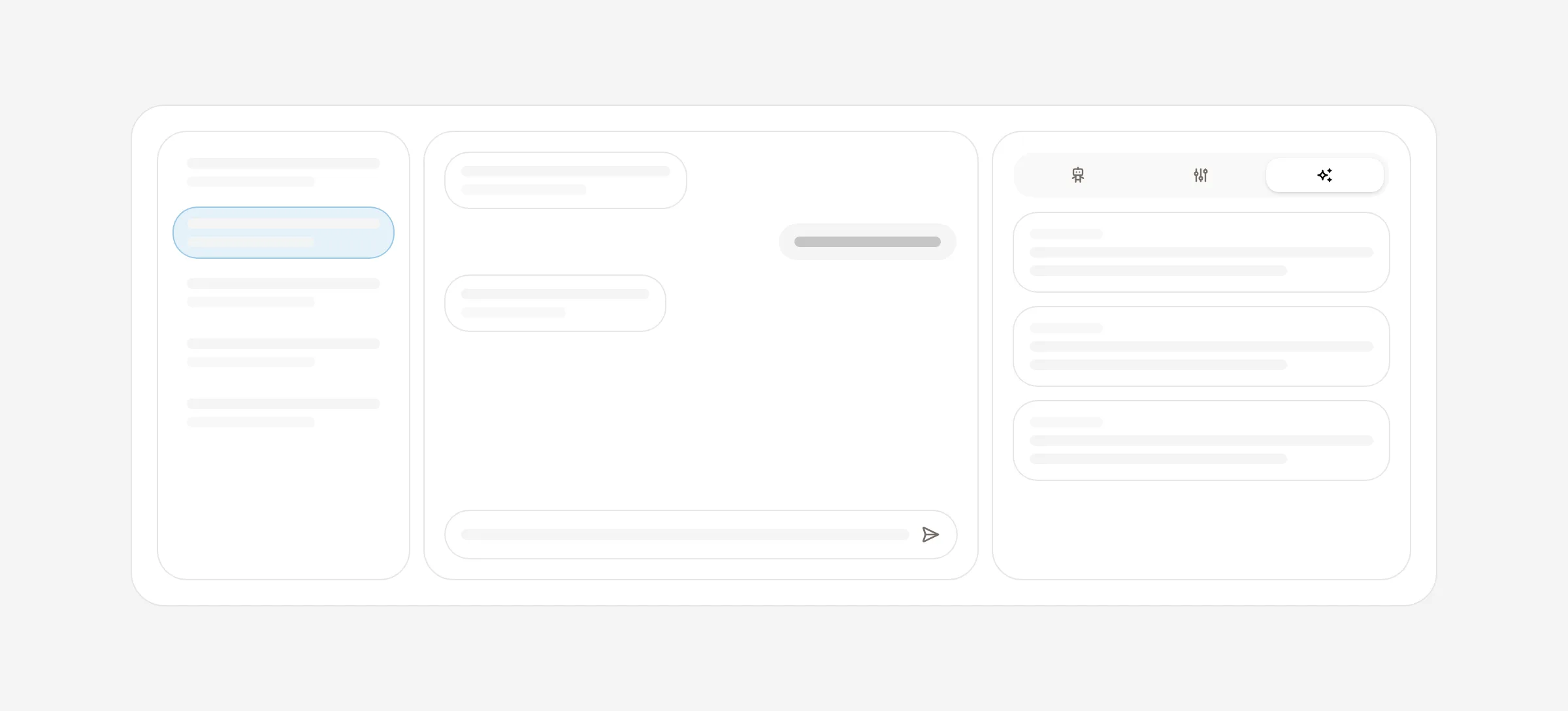
The agent detail view is now a resizable 3-pane console — conversation history, live chat, and an editable inspector — with a new Memory tab that shows what the agent knows about your business.
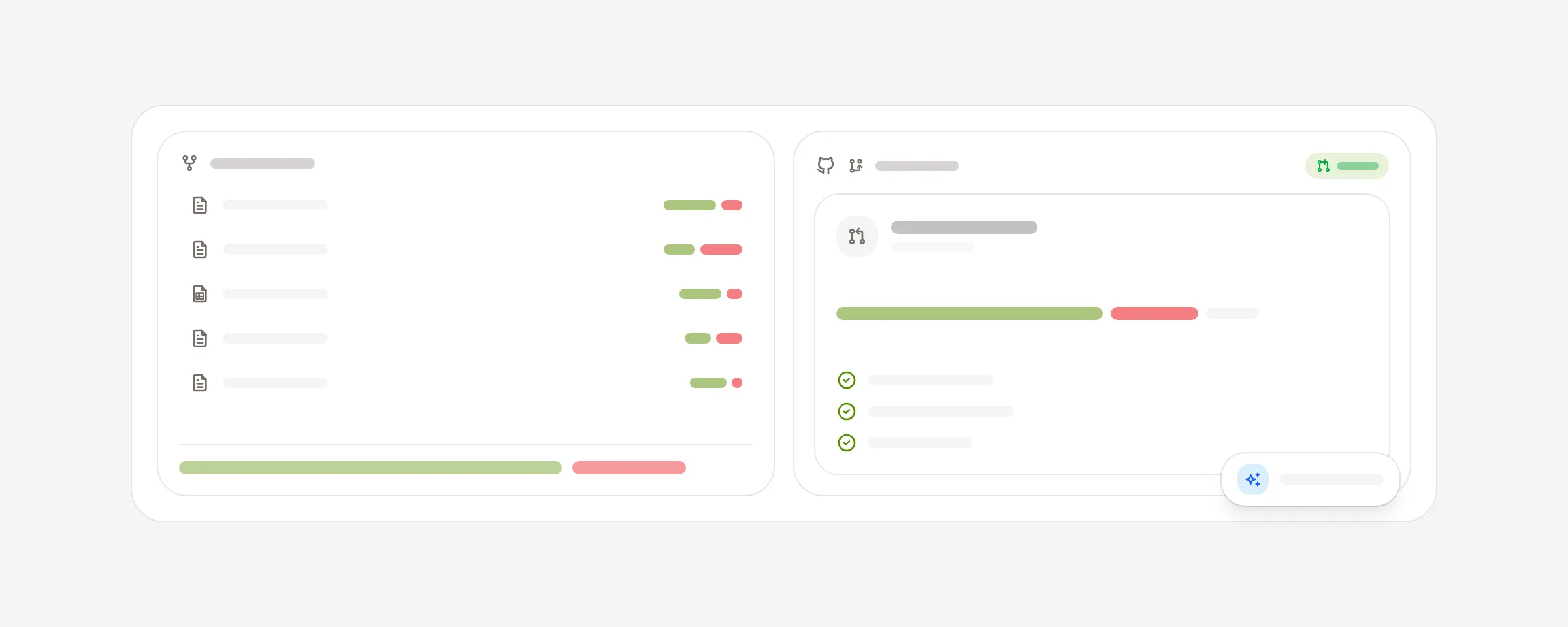
An approved ticket can trigger your agent to open a real GitHub pull request — the first live, reversible external action on the platform, always behind a human approval gate.

Drag-and-drop builders for creating agents and multi-step workflows. Model settings, instructions, and connected tools live on a canvas that maps directly to the live runtime — no separate deploy step.
AI Agent reads your website and extracts your colors, typography, personality, and tone of voice — so every agent starts with your company's context built in.
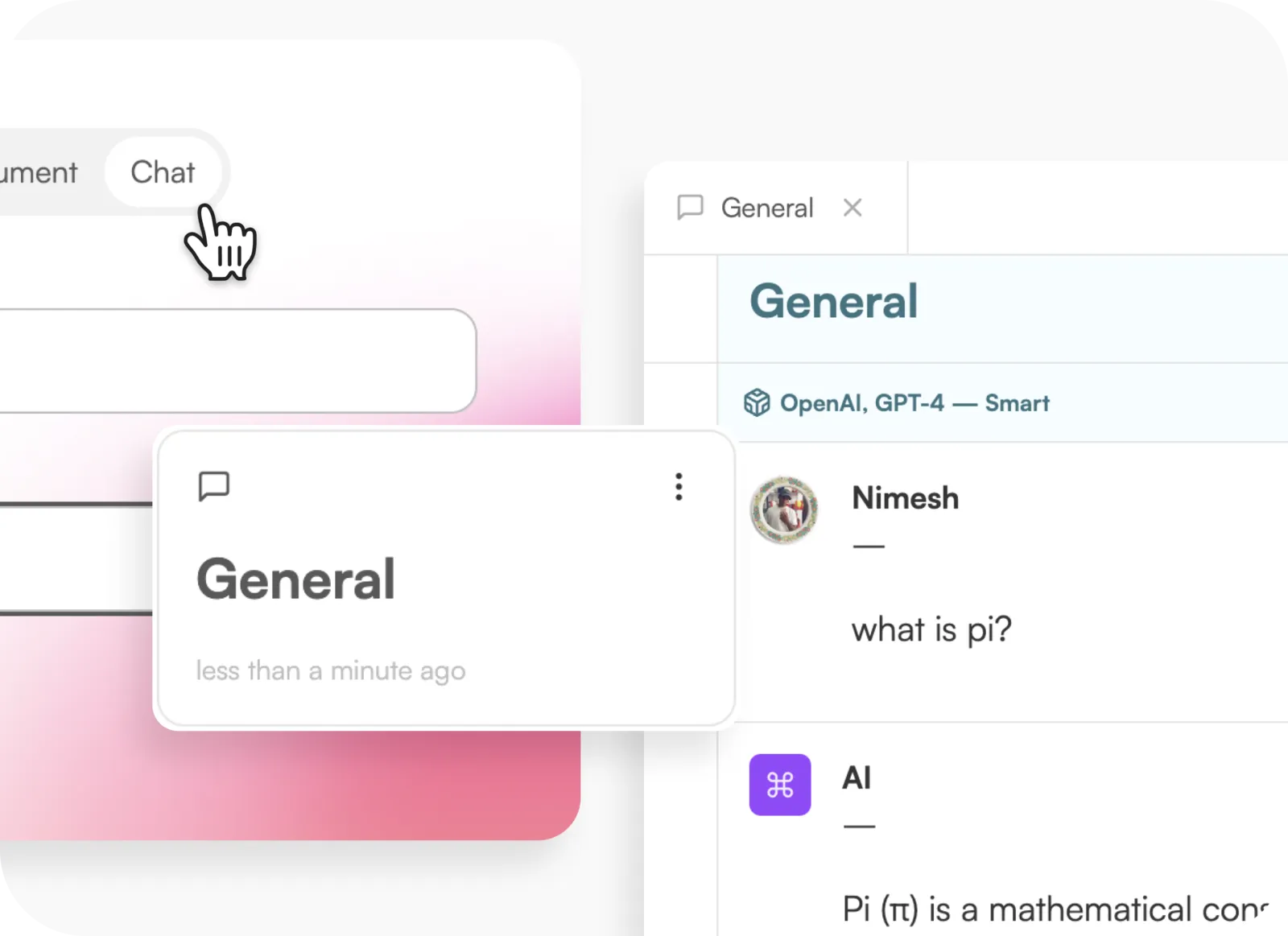
A real-time chat for talking to your agents. Responses stream as they're generated, threads persist across sessions, and you can inspect the agent's execution inline.
The foundation of the platform. Connect your tools, let AI surface weekly action proposals on a board, approve the ones you like, and watch approved actions run — every step human-gated.
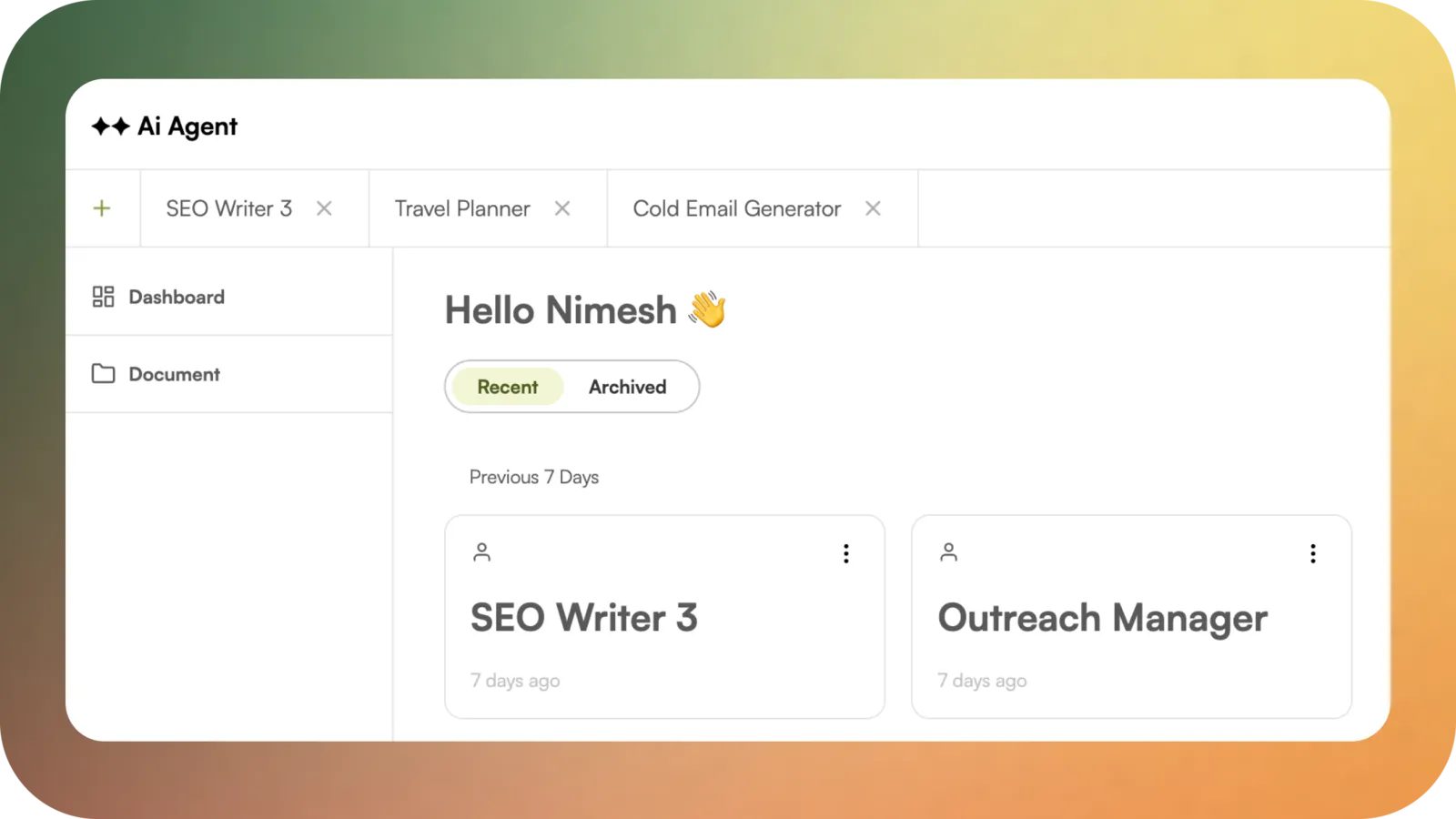
The new platform arrives — a complete dashboard with agent management, a work board, an inbox, a skills library, and team settings. A clean-slate rebuild of everything that came before.
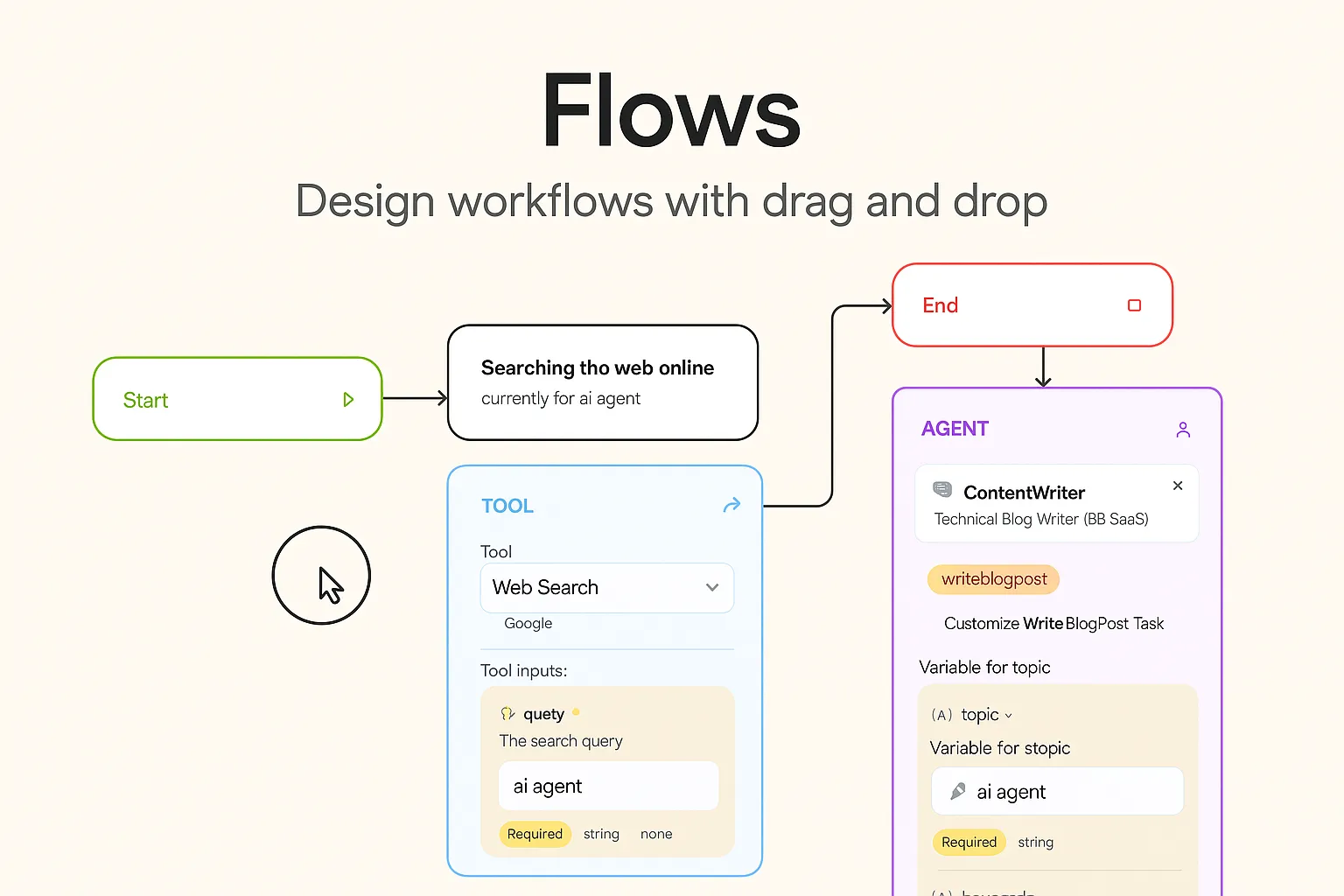
Visually build multi-step workflows by dragging and connecting agents, tools, and tasks. From simple sequences to complex logic, Flows let you orchestrate everything on one interactive canvas.
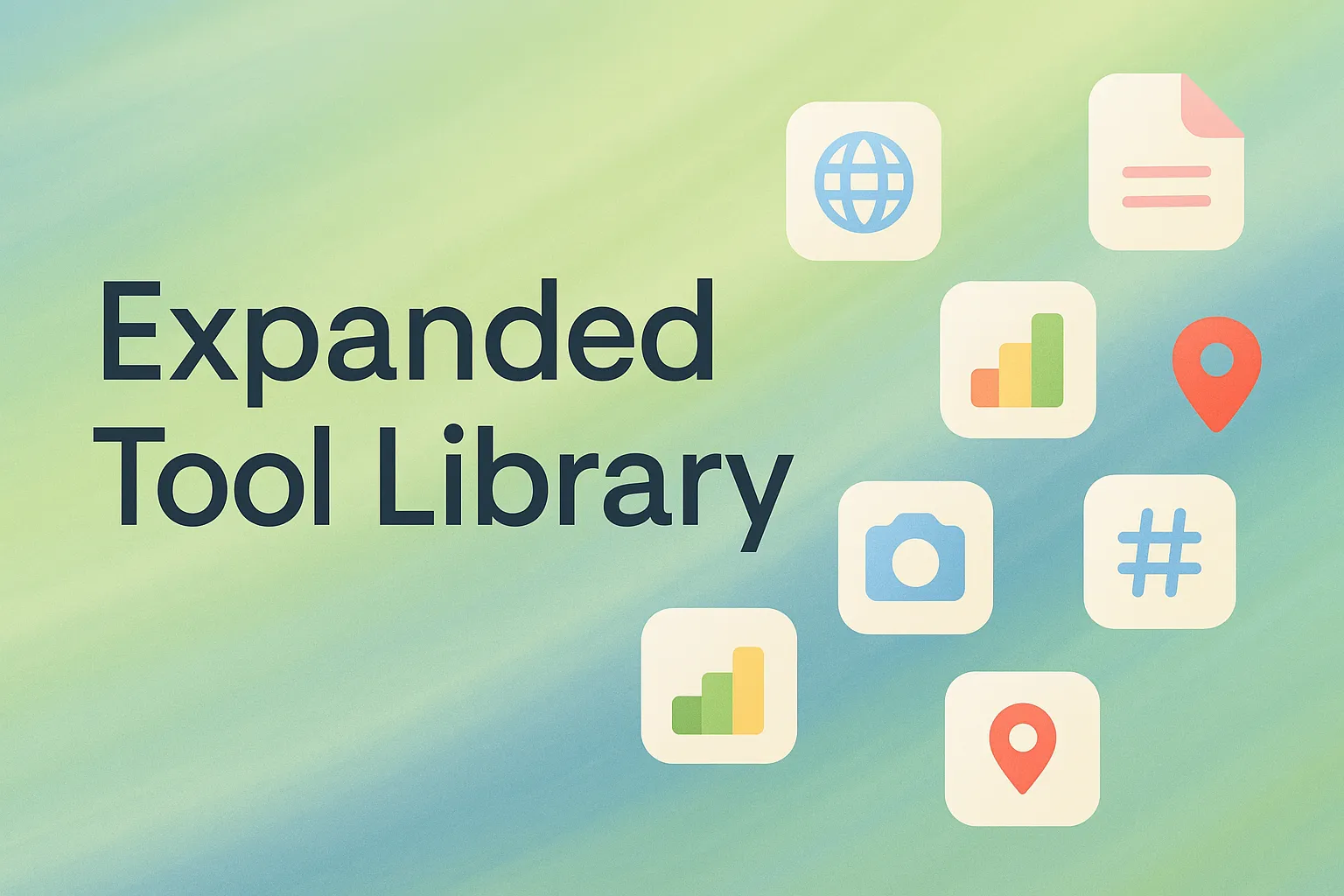
From scraping LinkedIn and Reddit to generating images and analyzing TikTok profiles, your agents can now reach for 15+ built-in tools to automate research, content, and competitive intel.
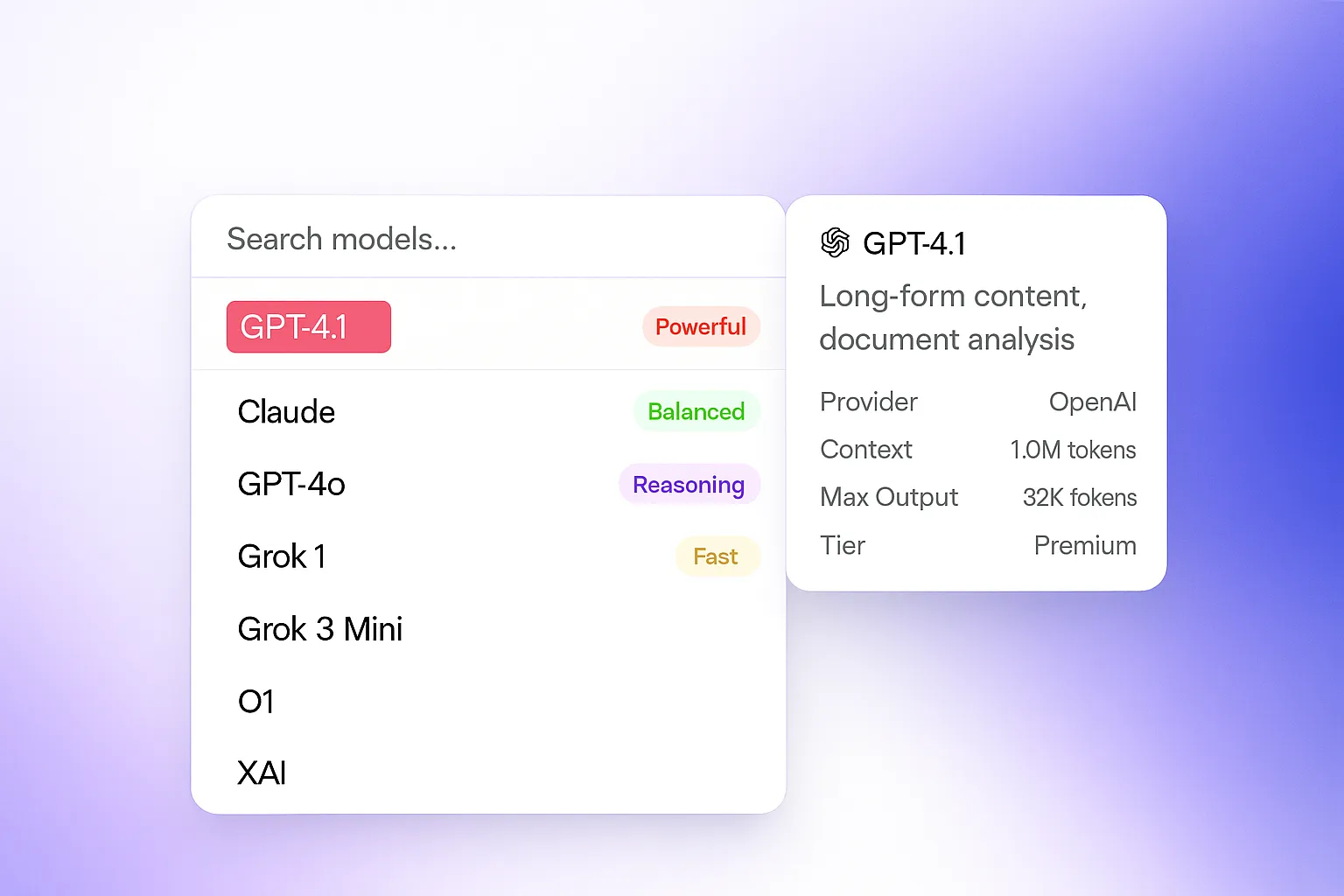
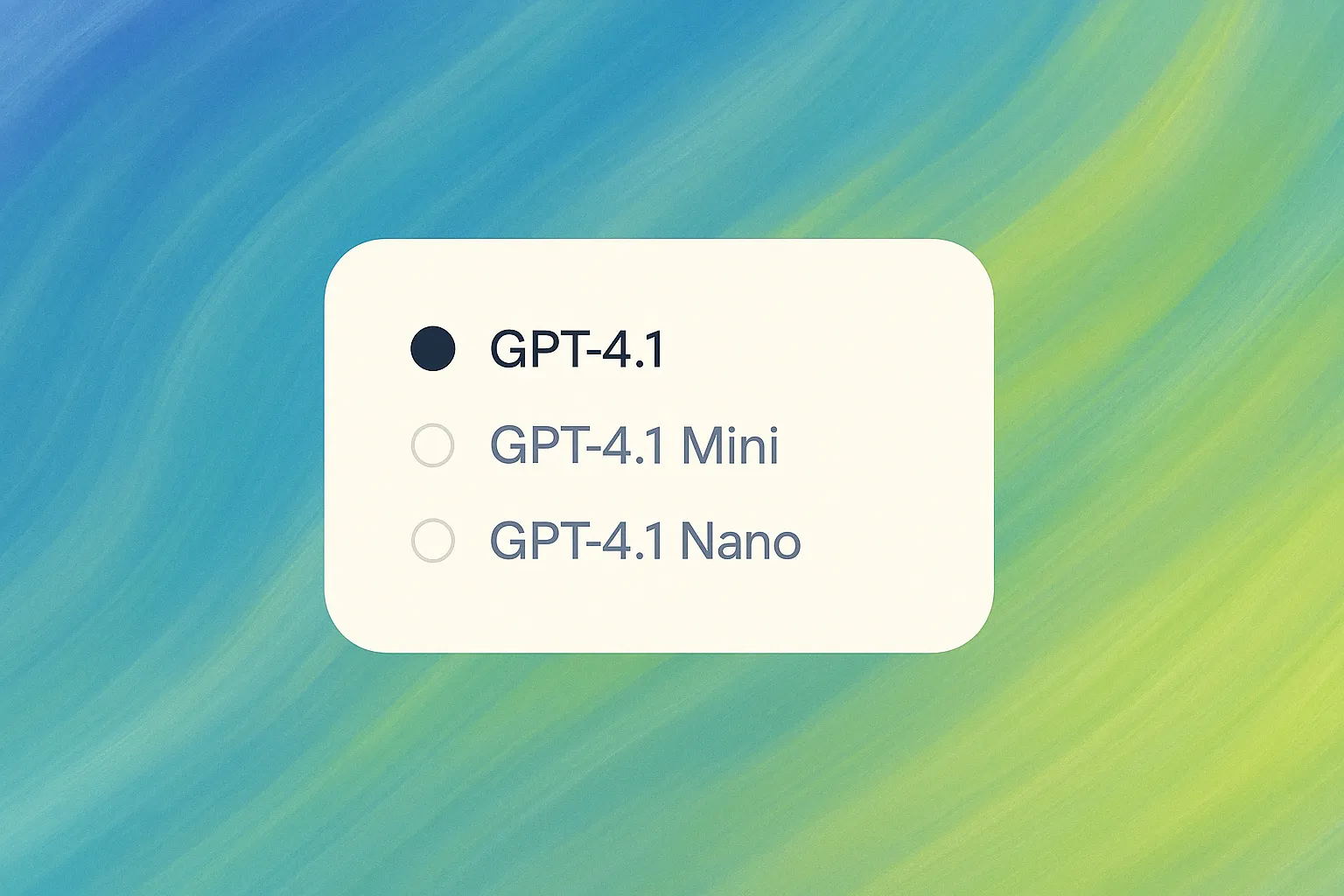
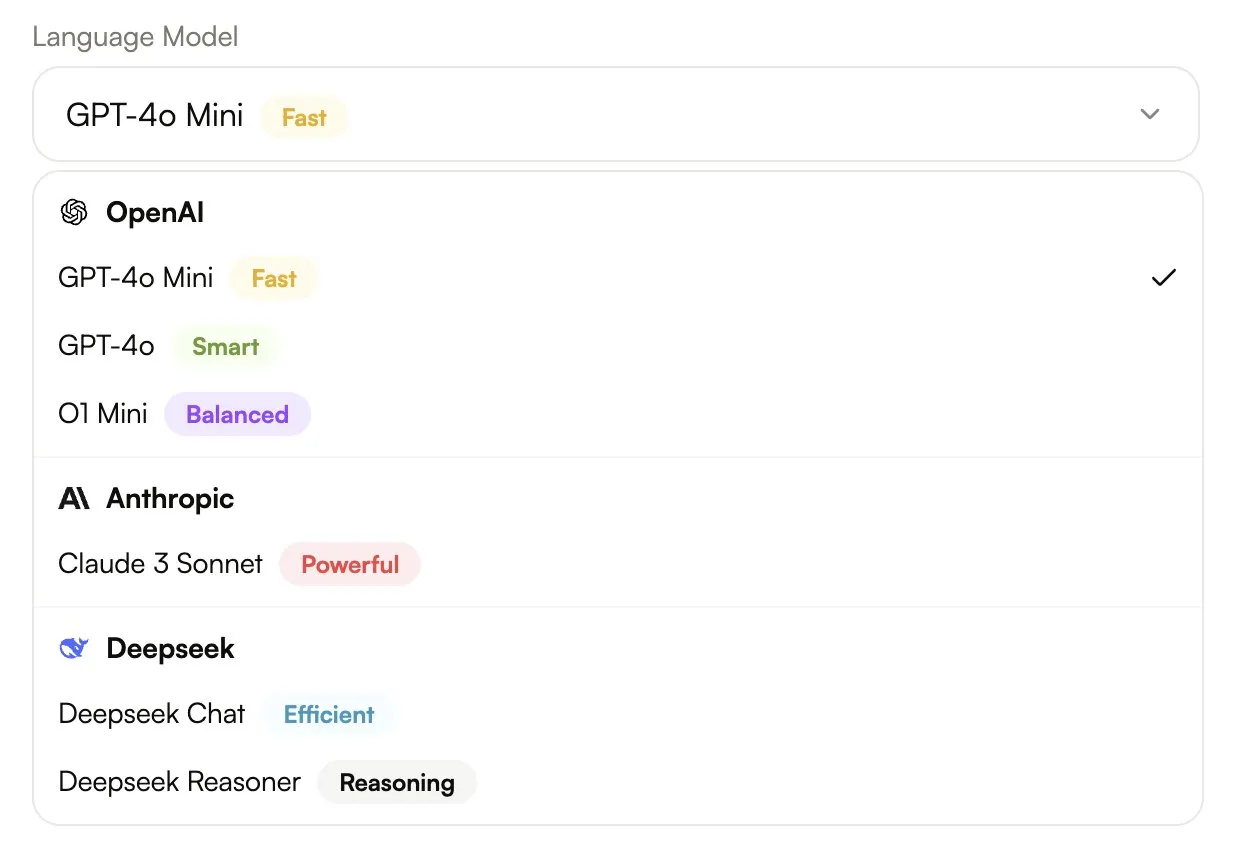
A redesigned model picker built for clarity and speed. Compare model strengths, context limits, and performance tags like Fast, Reasoning, or Powerful — and pick what fits the task.
Your agents can use real tools — web search, image generation, domain scraping — as part of their work. Assign the tools you want and the agent handles the rest with smart parameter mapping.

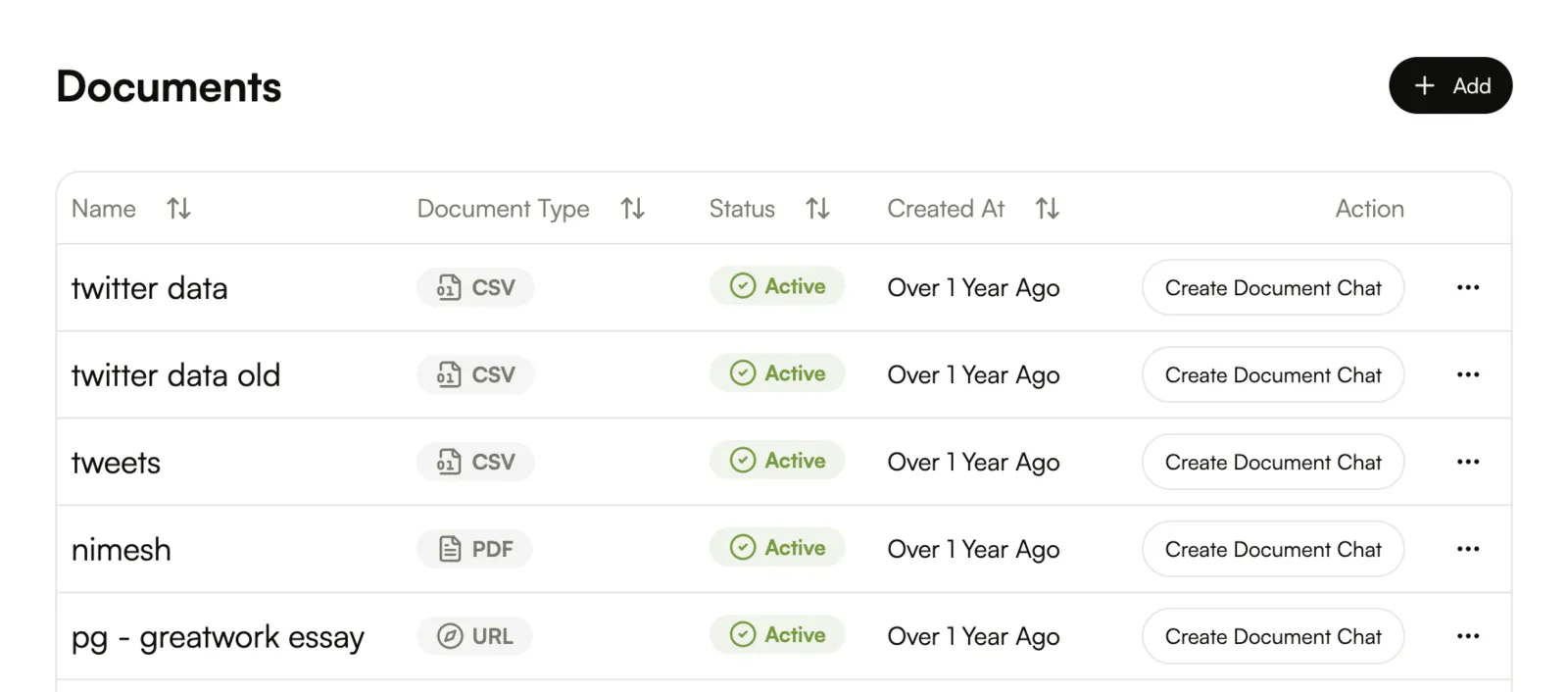
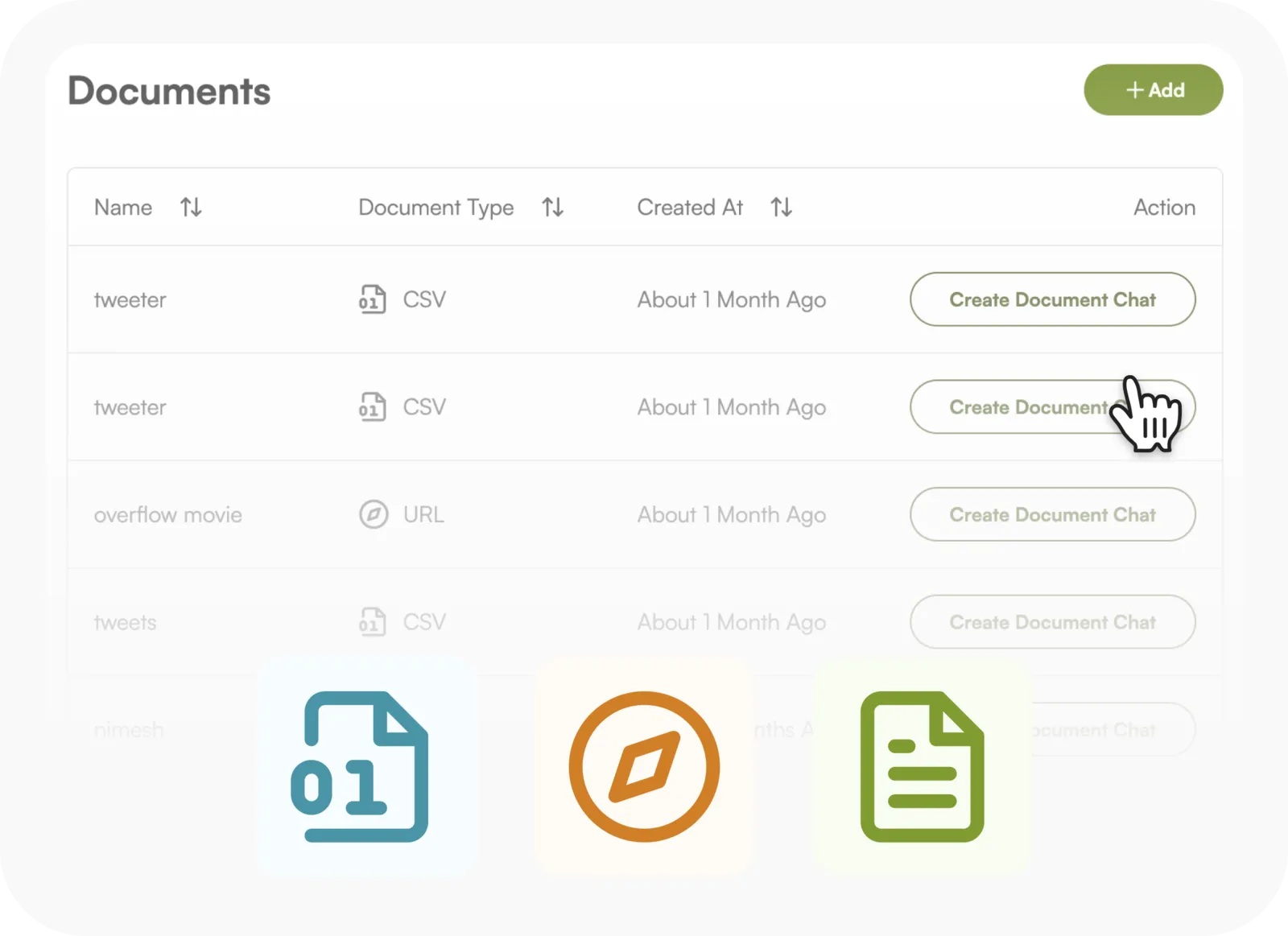
Attach documents to any agent and give it persistent knowledge it can reference across every task and conversation. Perfect for SOPs, product manuals, and onboarding guides — no need to re-upload.
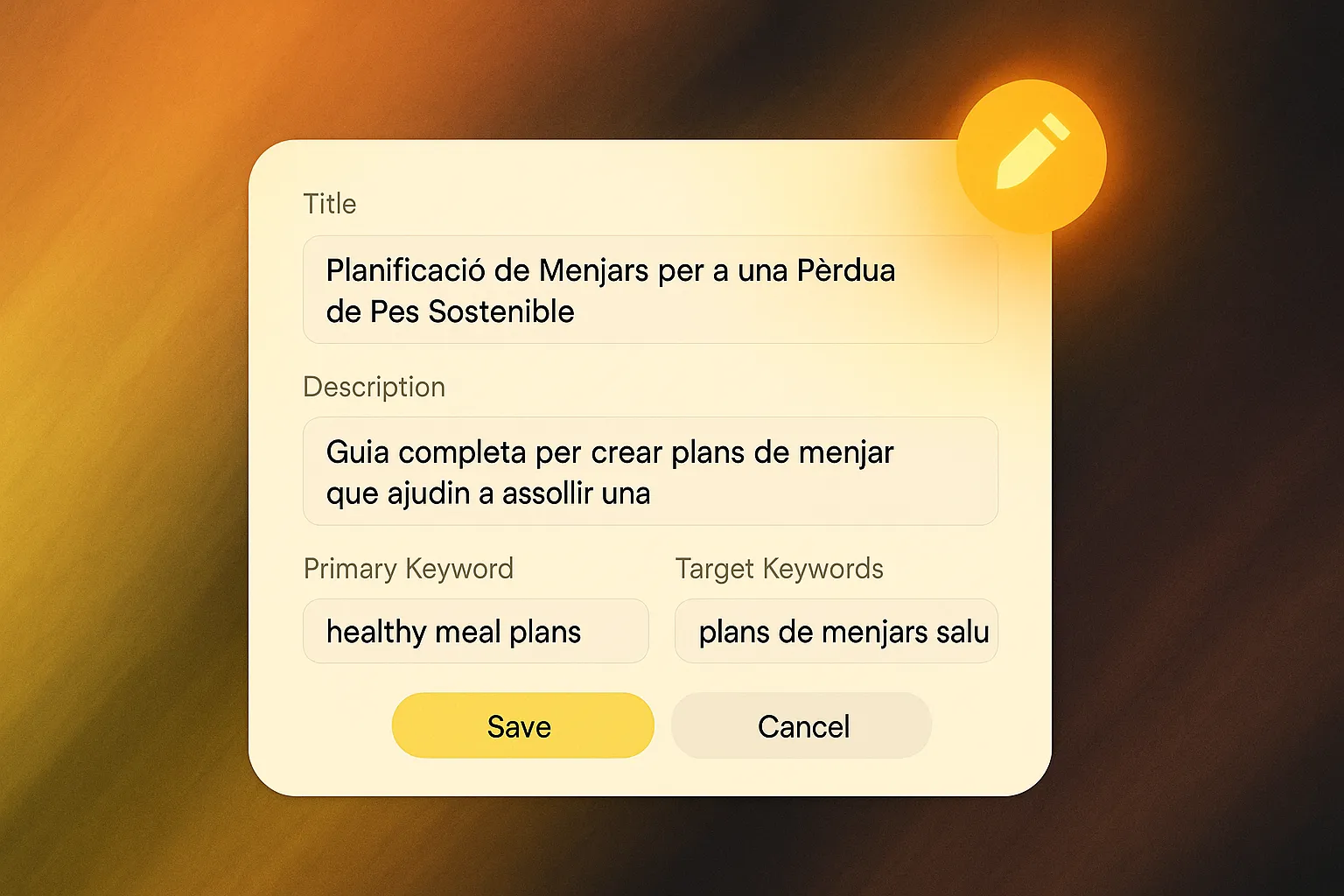
Fine-tune your SEO titles, descriptions, and keywords. Whether you're optimizing or localizing, take full control over how your content ranks and resonates.
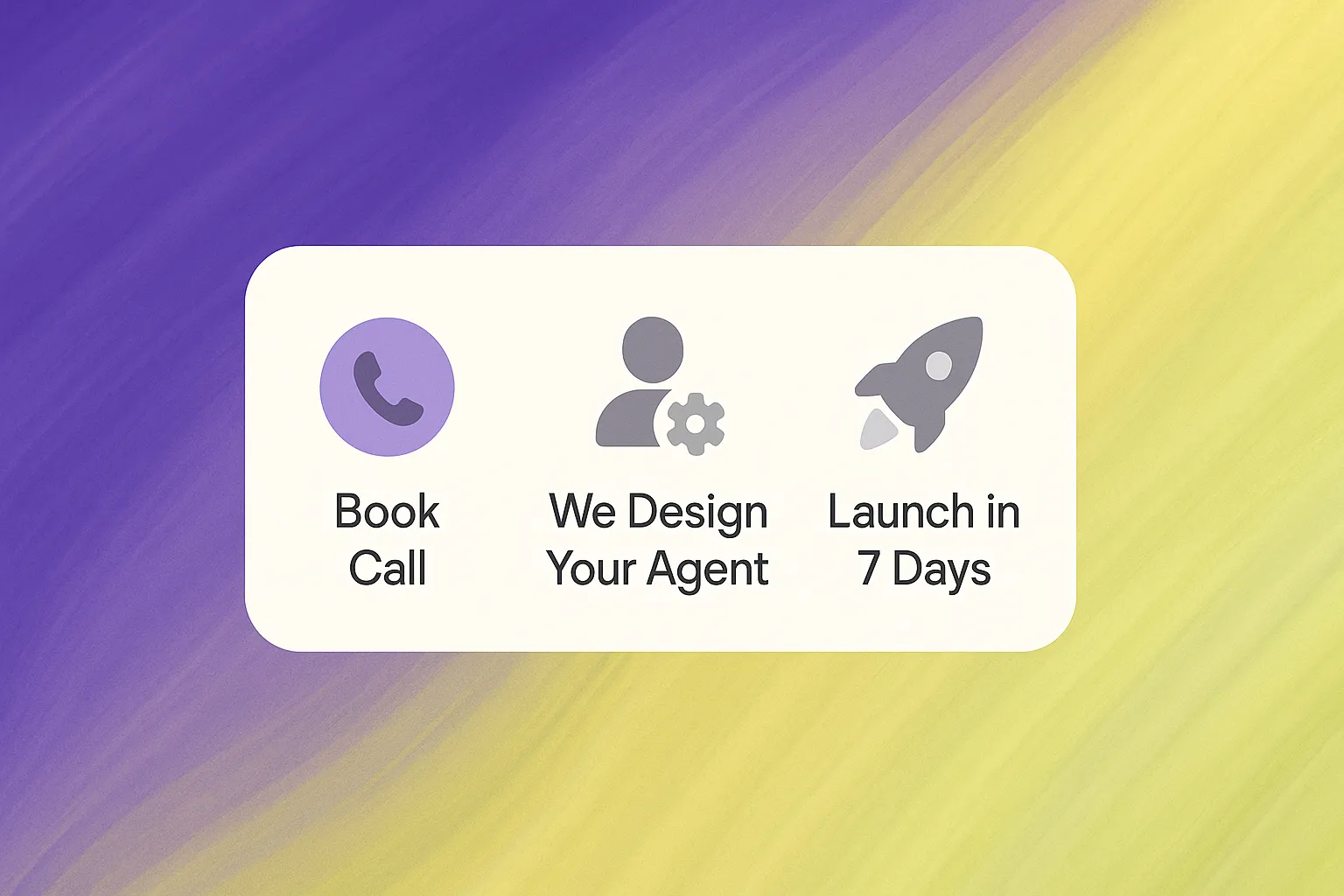
Let us build it for you. From discovery call to custom agent delivery, our white-glove service helps teams save 15+ hours per employee and cut costs by 30% in 90 days. You bring the workflow — we bring the AI.
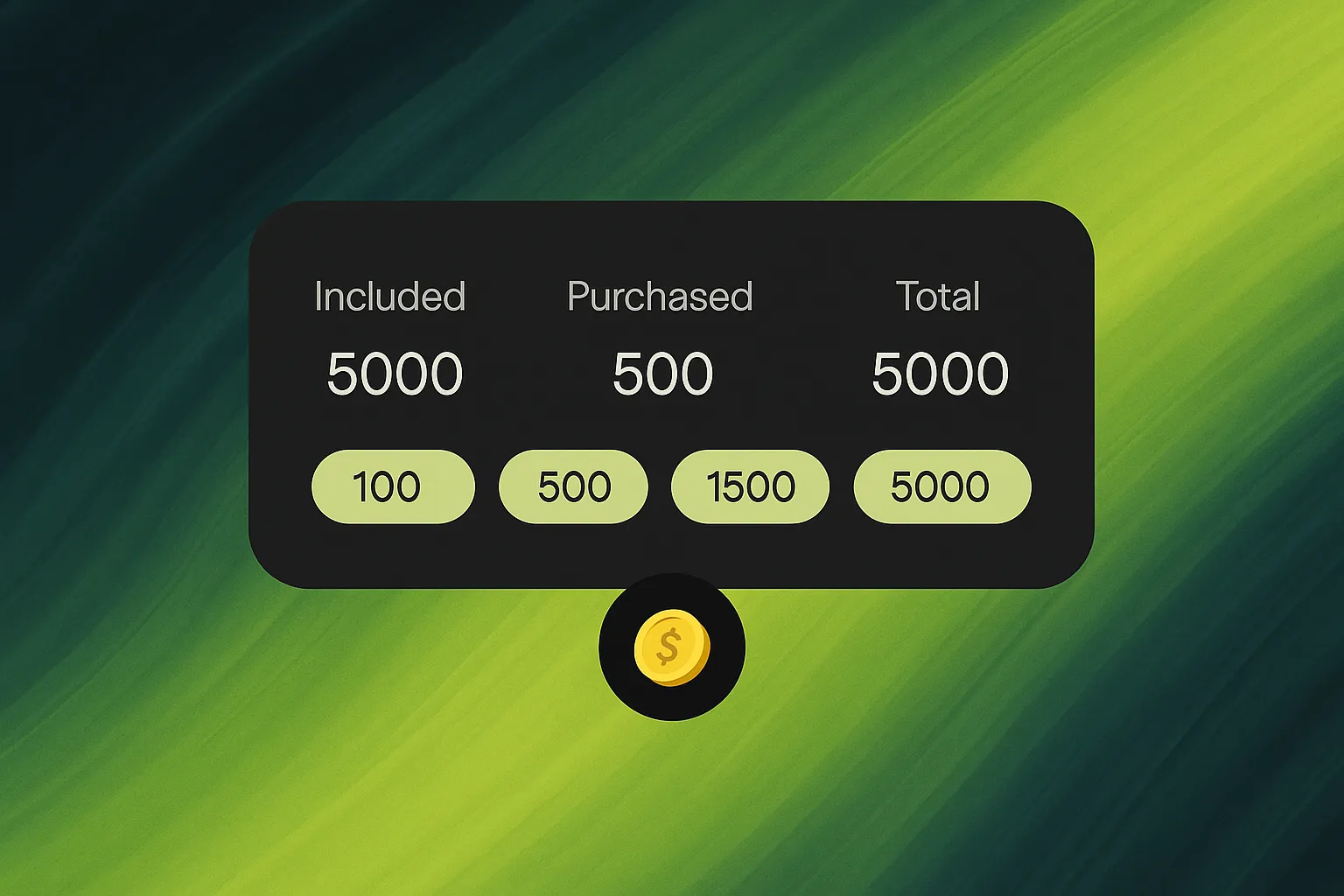
Every plan now comes with built-in credits, and you can top up anytime with packs that never expire. Buy once, use forever — designed for predictability and scale.
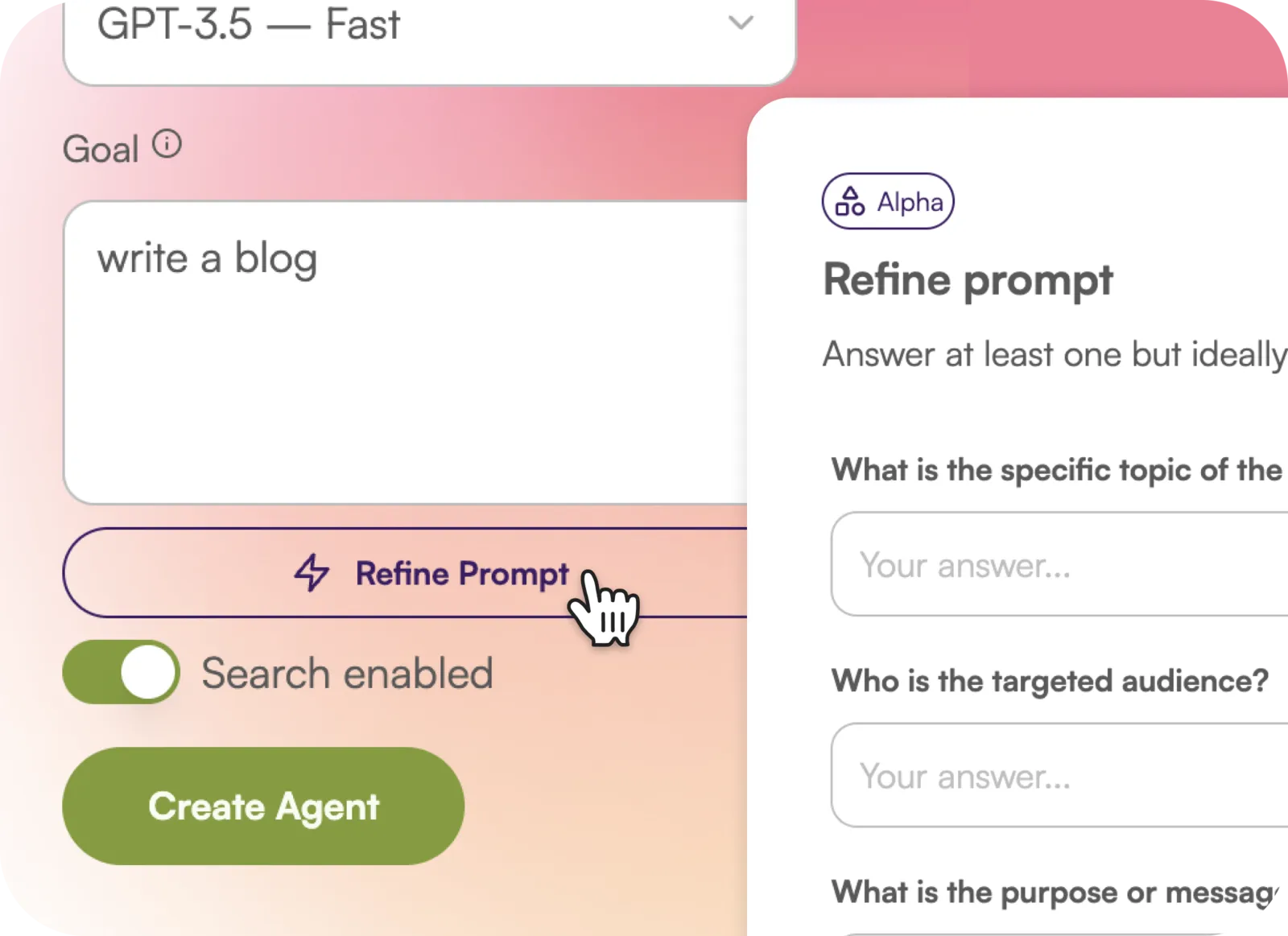
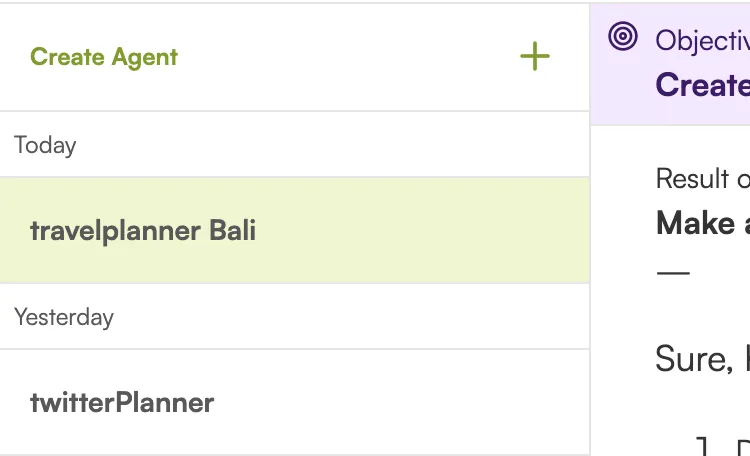
Build your own custom AI agents, assign them specific tasks, and mention them right from the chat. Want an SEO writer? A research agent? An email composer? Just @mention and go.
We don't normally call these out, but this one was big. We squashed bugs, polished rough edges, and sped everything up — from page loads to article generation.
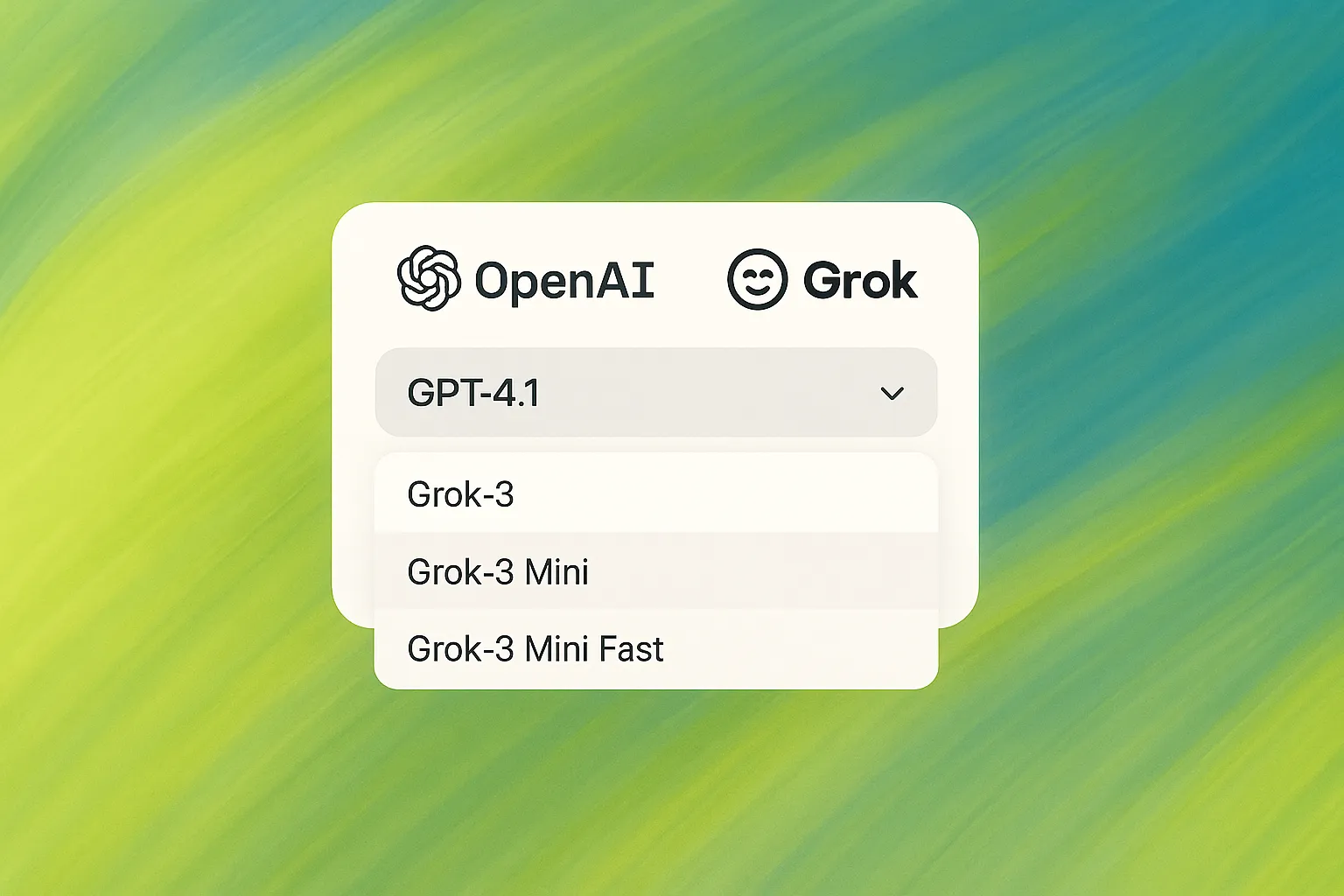
Use the best model for the job — OpenAI, Claude, Gemini, or open-source options. Switch between them freely, or let the system pick the smartest one for your query.
Press ⌘K (or Ctrl+K) to open a global command menu from anywhere. Jump into chats, run actions, and change settings — lightning fast, no clicks needed.
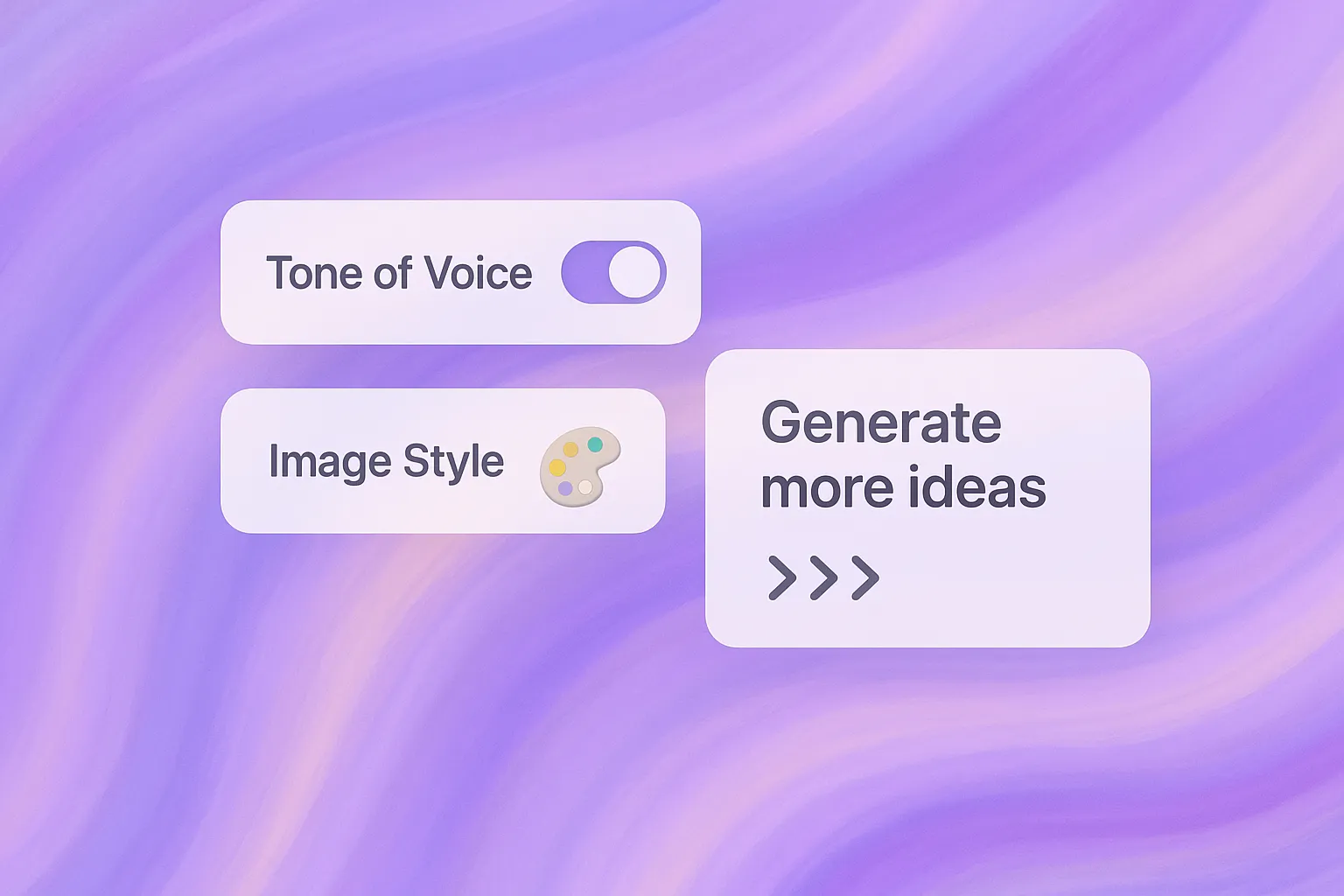
New settings let you match your brand's tone of voice and image style effortlessly — and generate more ideas with one click, based on what you've already written.
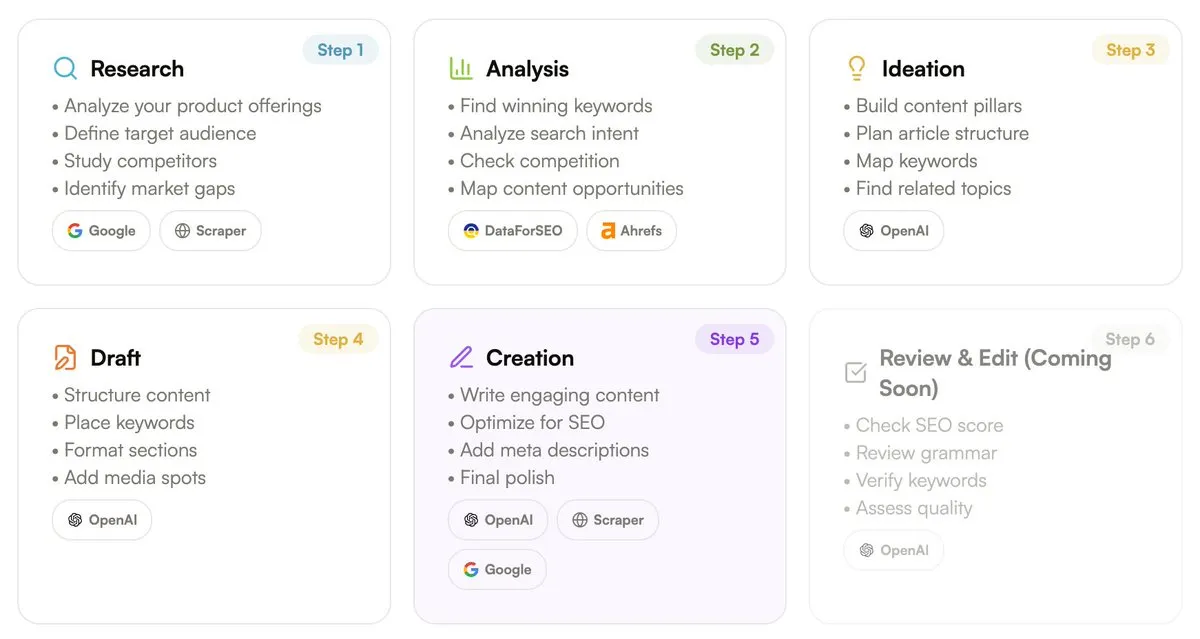
Research, analyze, ideate, draft, and create articles from just your domain. Using real SEO data from DataForSEO and Ahrefs, it writes engaging, on-brand articles in a few clicks. Days of work, done in minutes.
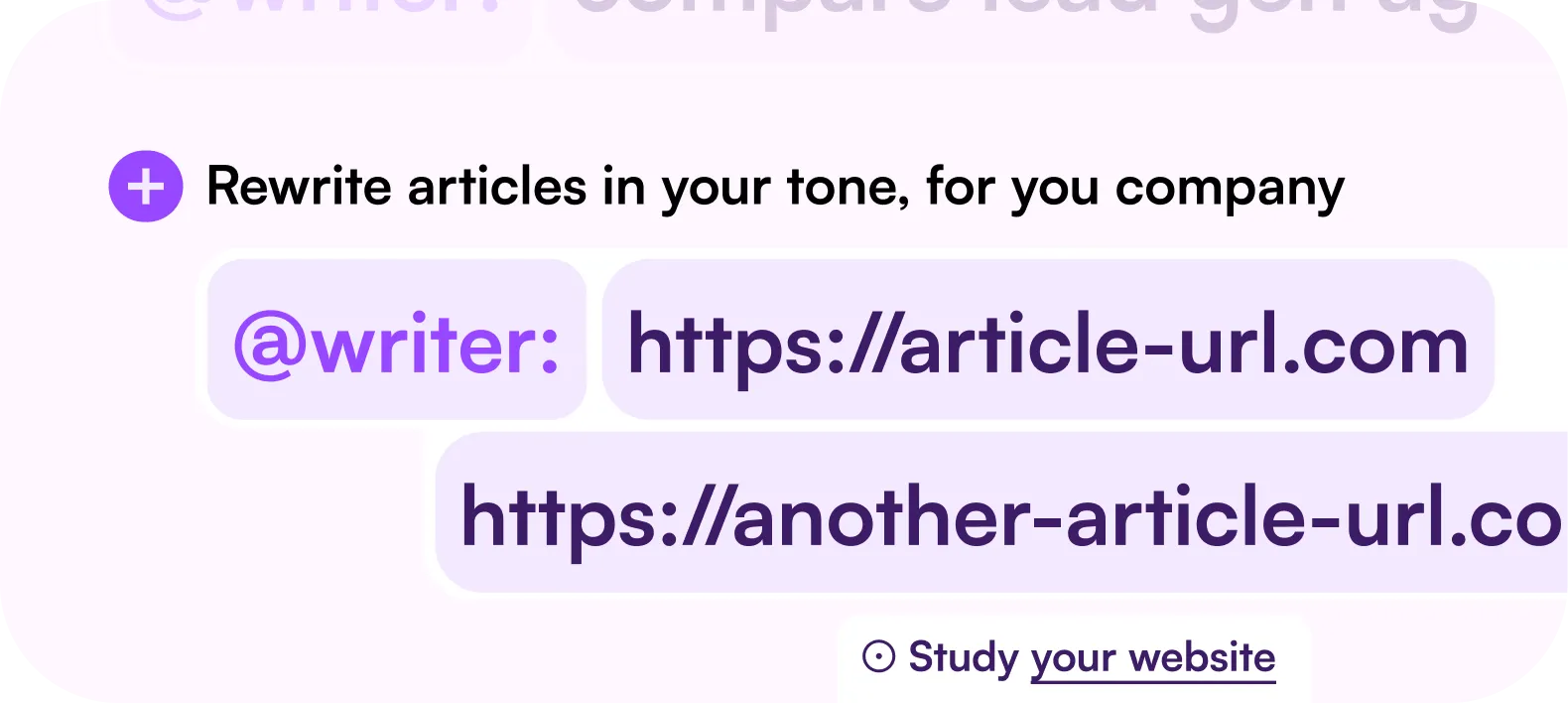
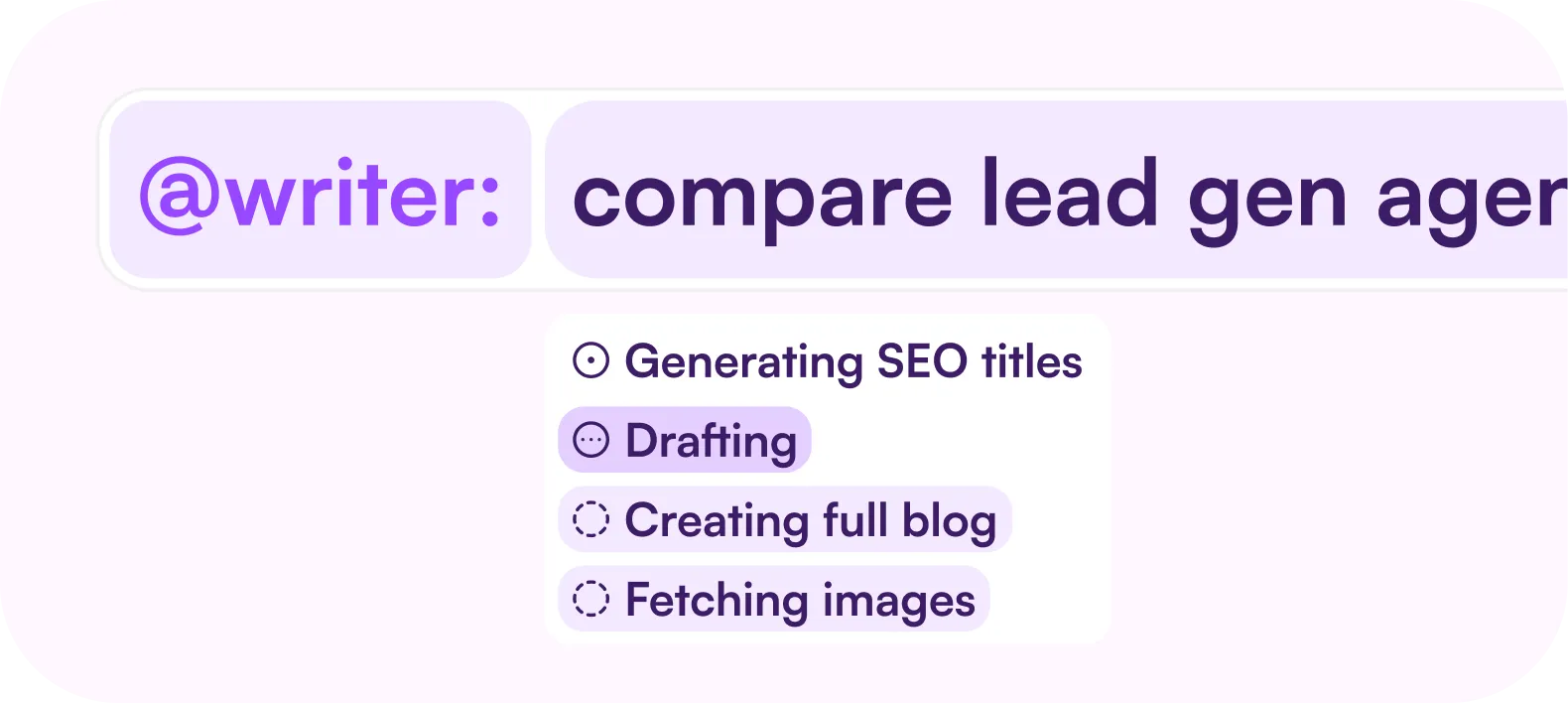
The first draft of @writer — an AI writer built for high-ranking SEO content. Good SEO is evergreen, free organic traffic, but it's usually slow and hard to get right. We worked with SEO experts to make it simple.
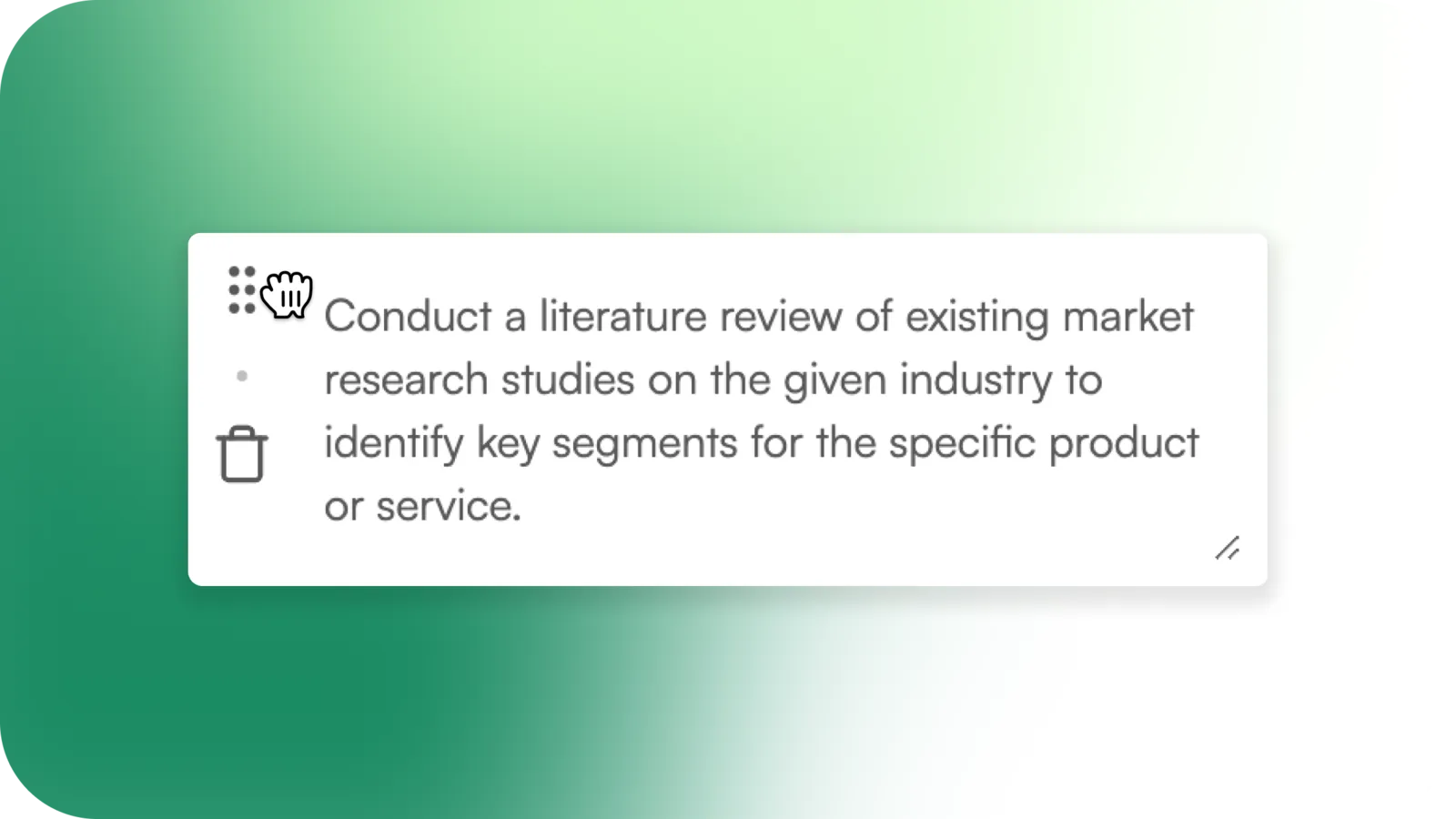


We no longer auto-regenerate and reprioritize every task after each run, so your edits stick and the task list stays focused. The result: task execution is now 300% faster. You can add tasks manually or let AI generate them.