If your organization has two or more brands, the brand switcher now has an All brands entry. It merges the work of every brand you can open into one list on each page, and each item shows its brand.
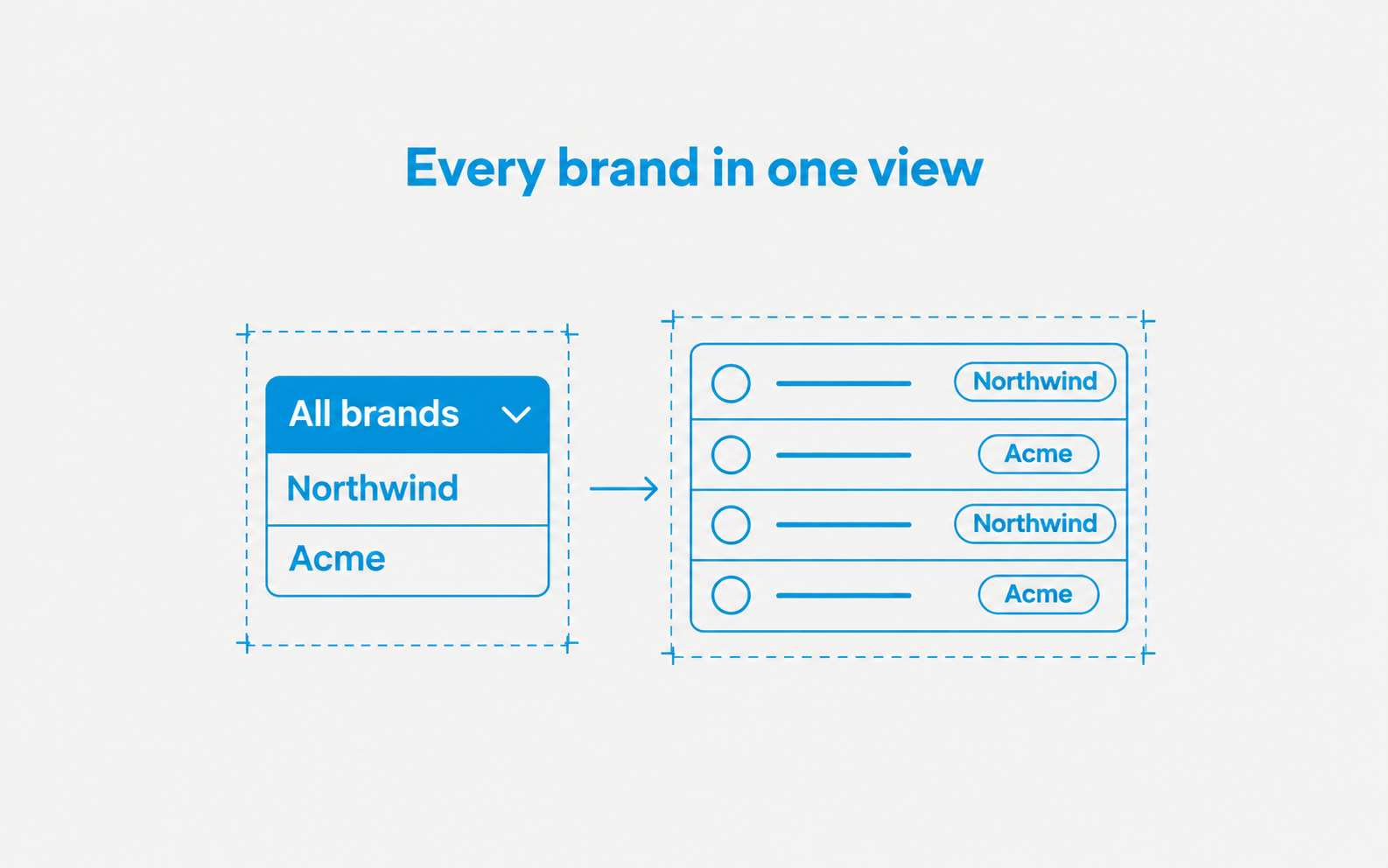
- One filter for the whole view. The filter under New chat in the sidebar panel reads All workspaces until you pick brands. Its menu has Select all, one checkbox for each brand, and Clear, and your choice stays set as you move between pages. An empty result offers Show all brands. A row opens in its own brand.
- Home, Board, Inbox and Chat. Home shows one row for each brand with open tickets, unread inbox items and runs in the last 7 days. The Board can Group by Status or Brand. The Inbox is one feed. Chat lists your chats from every brand.
- More sections merged. Agents, Workflows runs, Activity, Projects, Docs, Canvas, Artifacts, Skills, Squads, Connections and Computers list every brand’s items. Company Brain shows one card for each brand. Search (⌘K) finds tickets across brands.
- Create in the right brand. Buttons that create an item, such as New ticket and New agent, ask which brand it belongs to. Admins see every brand. Members see only the brands they can open.