When an agent finishes a ticket run on your own computer, it reports the outcome of the work. The ticket moves to In review only when the work is done.
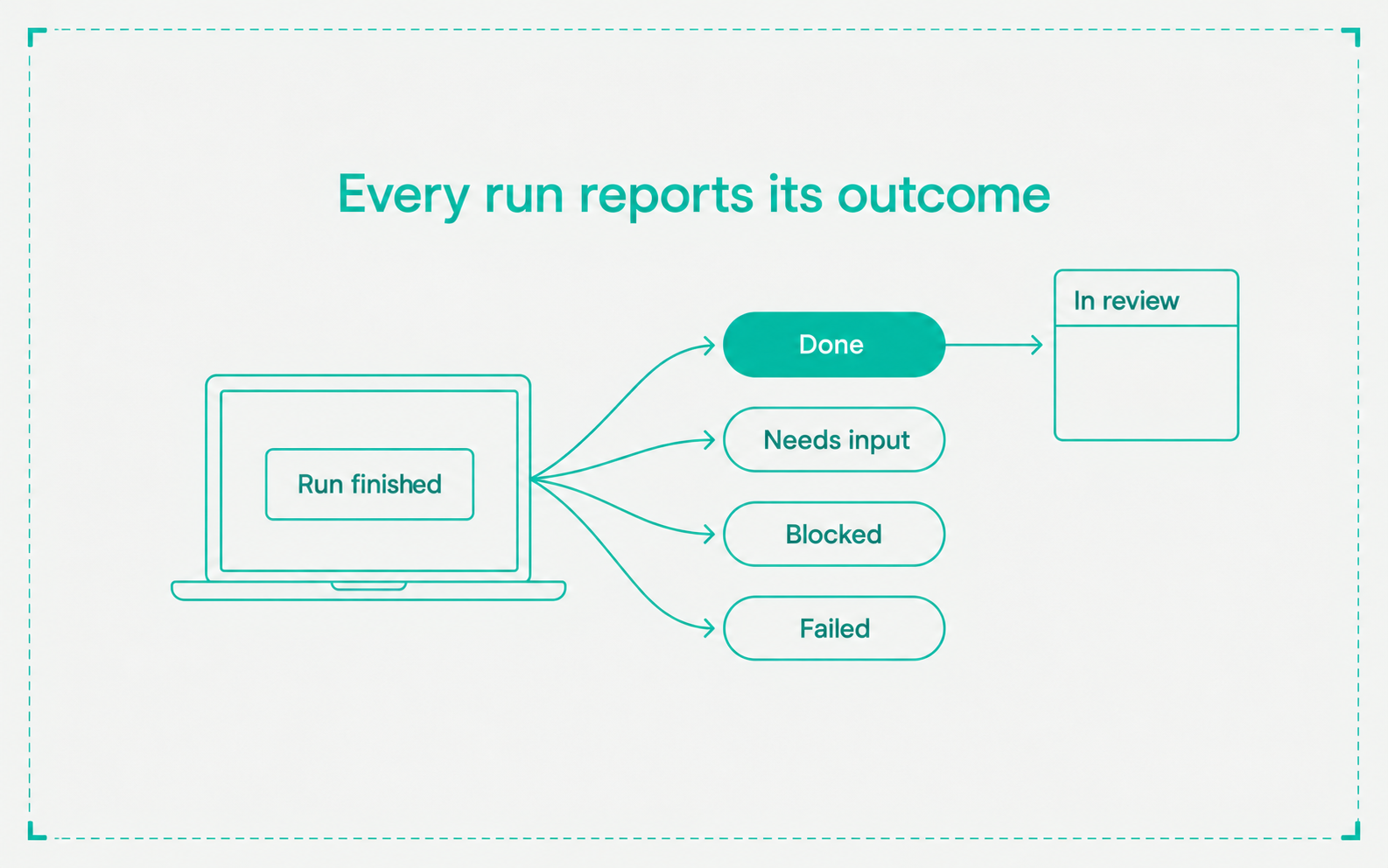
- Done moves the ticket. A run that reports the work as done, or as needing no action, moves the ticket to In review.
- Questions wait for you. A run that needs input keeps the ticket where it is and shows the agent’s question. Only the person who started the run gets it in Needs you.
- Blocked and failed stay visible. A blocked run keeps the ticket where it is. A failed run shows as failed.
- No outcome, no move. If the agent reports no outcome, the result reads Finished · check the result and the ticket stays where it is.
- Mention to continue. Mention the agent in a comment to continue your own session with that comment. If a newer run on the ticket replaced your session, choose Start fresh.