Open a Gmail message in the Inbox and you see the whole thread. The agent’s draft sits under the message it answers, and a sender panel shows your history with that person.
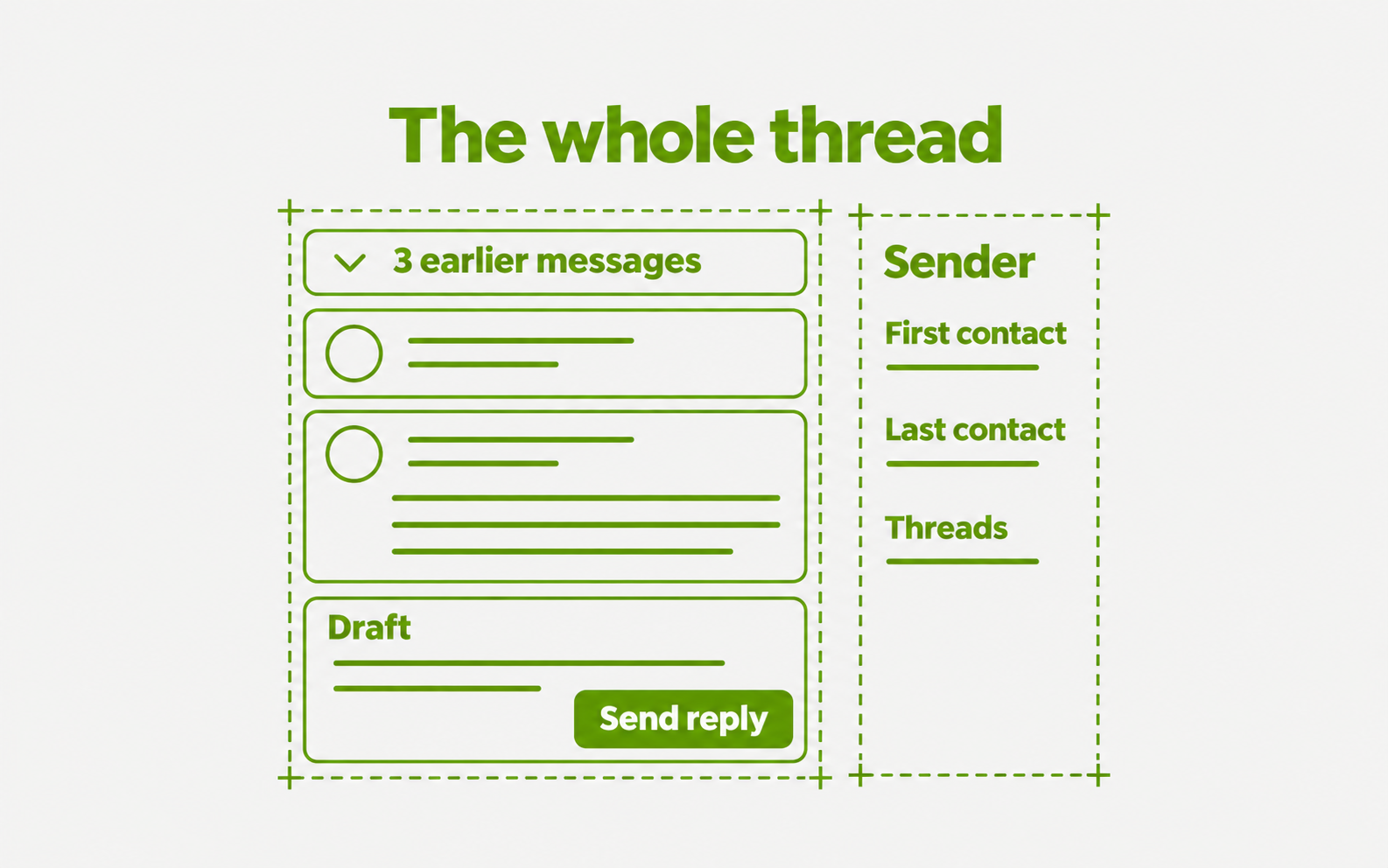
- Earlier messages fold into one row. Open any of them, and show or hide quoted text
- Attachments show their name, type and size
- The sender panel lists first and last contact, the number of threads, previous threads and linked tickets
- Tabs sort the Inbox into Needs you, Drafts, Customers, Updates and All