The Inbox now covers more of the work you used to do elsewhere. Write a reply yourself, move an item back from the archive, and settle a proposal where it arrives.
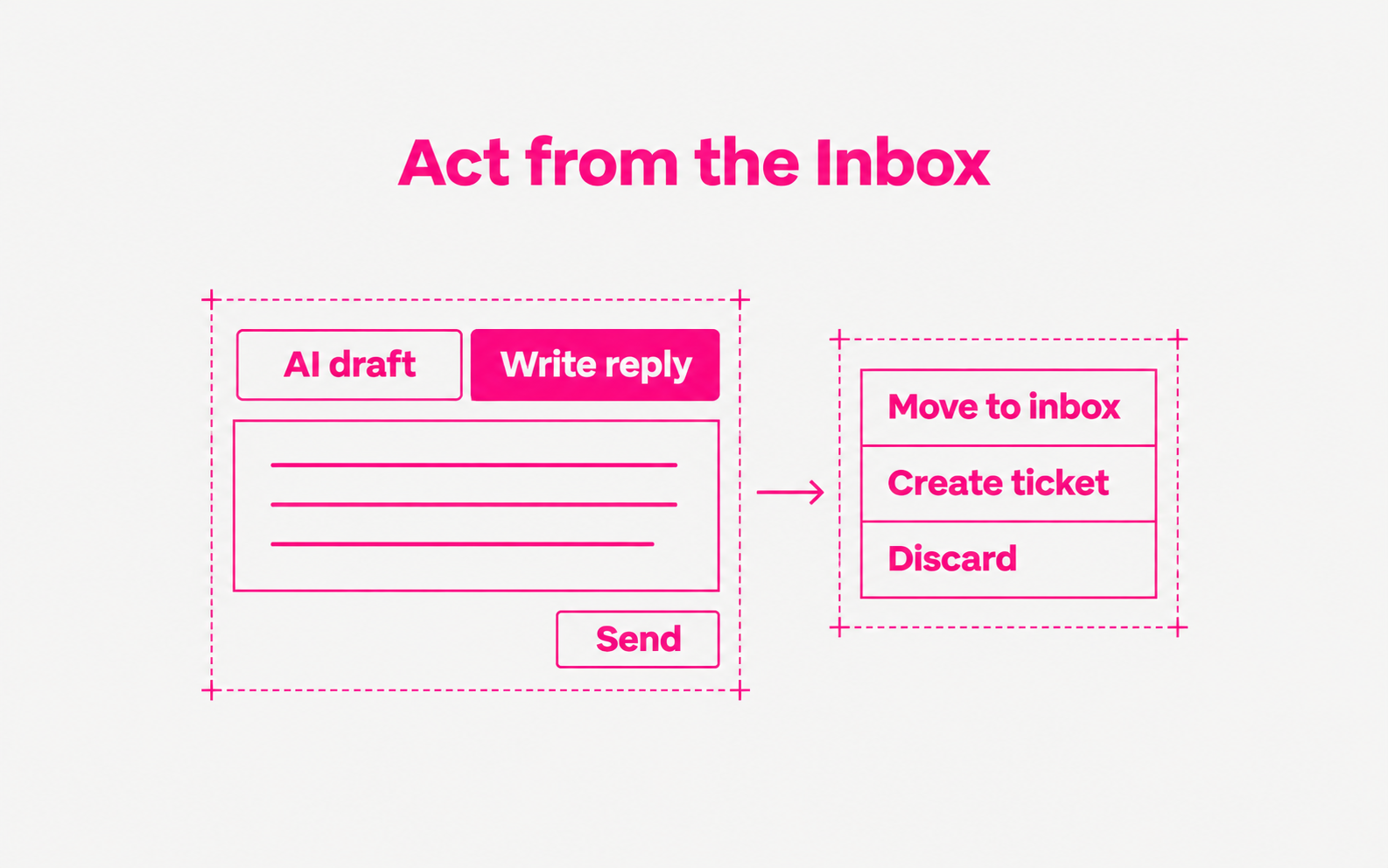
- Choose Write reply next to AI draft on a Gmail message. Your text becomes a draft you review and send
- Right-click an archived or snoozed item and choose Move to inbox
- Apply or Discard an agent’s proposal in its panel. A proposal that adds a table source or writes table rows applies only from chat, so its panel offers Open in chat and Discard
- Create ticket now asks for a title and an optional project